产品功能

应用市场介绍

3DThreejs Code Play is a powerful Three.js and WebGL learning app designed for students, beginners, web developers and programmers who want to learn 3D web development and create interactive 3D graphics using JavaScript.

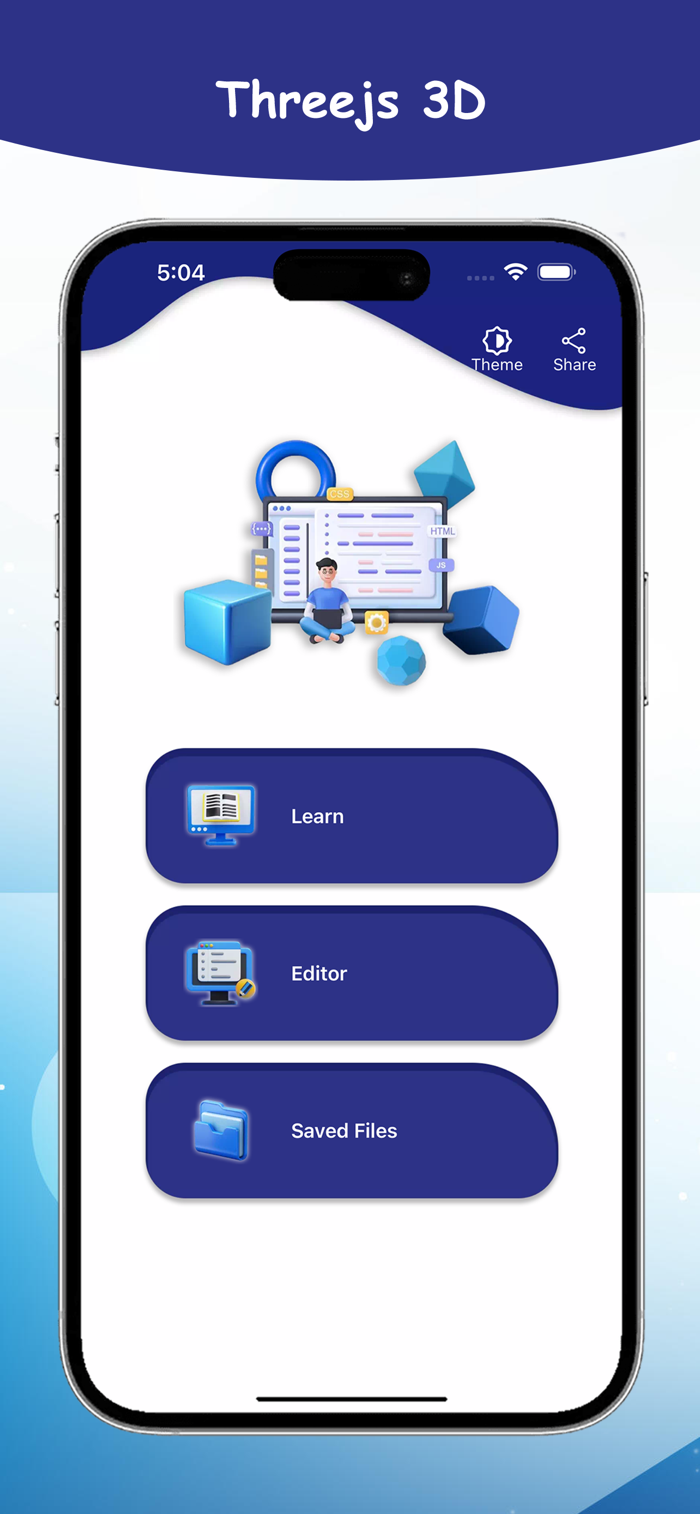
Learn Three.js step by step, explore practical examples, write code in the built-in editor and instantly preview your 3D output. Study scenes, cameras, objects, lighting, textures and animations while practicing real 3D web development directly on your iPhone or iPad.

LEARN THREE.JS & WEBGL

Understand the fundamentals of modern 3D web development through structured tutorials and practical examples.

Explore topics such as:

• Three.js basics
• WebGL concepts
• 3D scenes
• Camera setup
• 3D objects
• Geometry
• Materials
• Lighting systems
• Textures
• Animation
• Interactive 3D graphics
• HTML, CSS & JavaScript integration

Each learning topic includes explanations and example code to help you understand how 3D graphics work in web applications.

BUILT-IN THREE.JS CODE EDITOR

Write and edit Three.js, JavaScript, HTML and CSS code directly inside the app.

Experiment with existing examples, modify properties, create your own 3D scenes and test new ideas without needing a desktop coding environment.

REAL-TIME 3D PREVIEW

Write code and instantly see your Three.js output.

Real-time preview helps you understand how changes to objects, cameras, lights, materials, textures and animations affect your 3D scene.

This hands-on approach makes learning Three.js easier and more interactive.

PRACTICAL EXAMPLES & SAMPLE PROJECTS

Explore practical Three.js examples and sample projects to understand common 3D development techniques.

Study the code, modify values and immediately see the result. This makes it easier to learn through experimentation instead of only reading theory.

CREATE NEW FILES

Start a fresh coding workspace whenever you want to build a new example, test an idea or create another Three.js project.

OPEN EXISTING FILES

Open supported files from your device and continue editing previous projects without rewriting your code.

SAVE YOUR CODE

Save your current work locally and continue your Three.js development later.

SAVE AS

Create another copy of your project with a different file name or location. This is useful for testing new ideas while keeping the original version unchanged.

FIND IN CODE

Quickly search for specific text, variables, functions or code inside your project instead of manually scrolling through large files.

GO TO LINE

Jump directly to a specific line number for faster navigation and editing.

UNDO & REDO

Reverse unwanted changes with Undo and restore them with Redo for a smoother coding experience.

RESET EDITOR

Clear your current workspace and start again whenever you want to create a fresh project.

LEARN WITH HTML, CSS & JAVASCRIPT

Practice combining Three.js with HTML, CSS and JavaScript to understand how interactive 3D web experiences can be created for modern websites and web applications.

OFFLINE THREE.JS LEARNING

The app is designed to support offline learning and coding, allowing you to study tutorials, explore examples and practice Three.js without requiring a continuous internet connection.

BEGINNER-FRIENDLY

3DThreejs Code Play is suitable for:

• Three.js beginners
• WebGL learners
• JavaScript developers
• Web development students
• Frontend developers
• Programming students
• 3D web developers
• HTML, CSS & JavaScript learners
• Developers exploring browser-based 3D graphics

LEARN 3D WEB DEVELOPMENT ANYWHERE

Turn your iPhone or iPad into a convenient Three.js learning and coding environment.

Study 3D graphics concepts, explore sample projects, write JavaScript code, preview your scenes and improve your understanding of Three.js and WebGL through practical learning.

Learn Three.js. Create 3D graphics. Write code. Preview instantly.

Download 3DThreejs Code Play and start learning interactive 3D web development today.

收起

用户评价

立即分享产品体验

你的真实体验,为其他用户提供宝贵参考

宝石
评论可得 100 宝石
宝石随心兑换应用高级会员,每周更新 前往查看 >>
活动动态 0 人参加
查看更多评论