



 +100宝石



产品功能
Some things stay with you. The image you stop for. The idea you come back to.
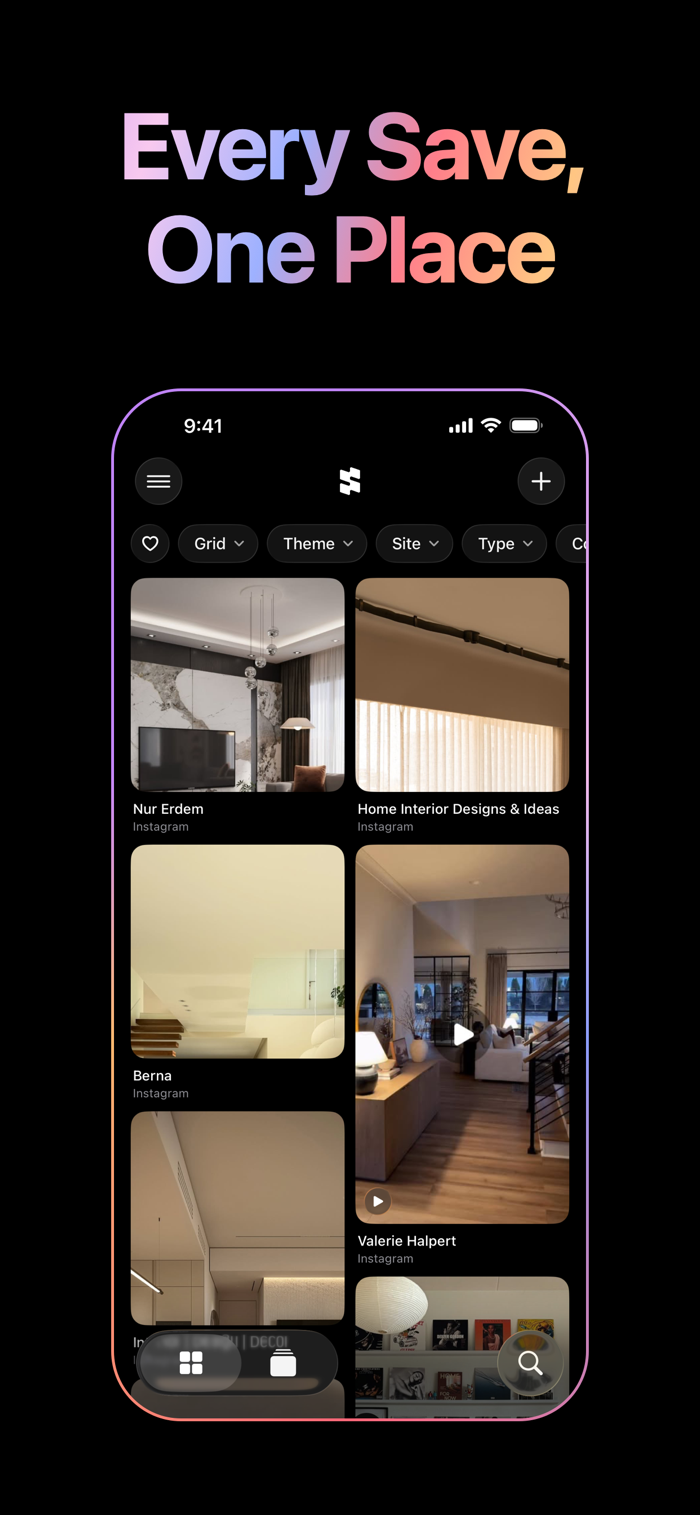
Stellata is where they go. Tap Share in any app — Instagram, TikTok, X, YouTube, Pinterest, a blog, anything — and the picture, the words and the video come across with the link. Screenshots and photos come in too, no link needed.
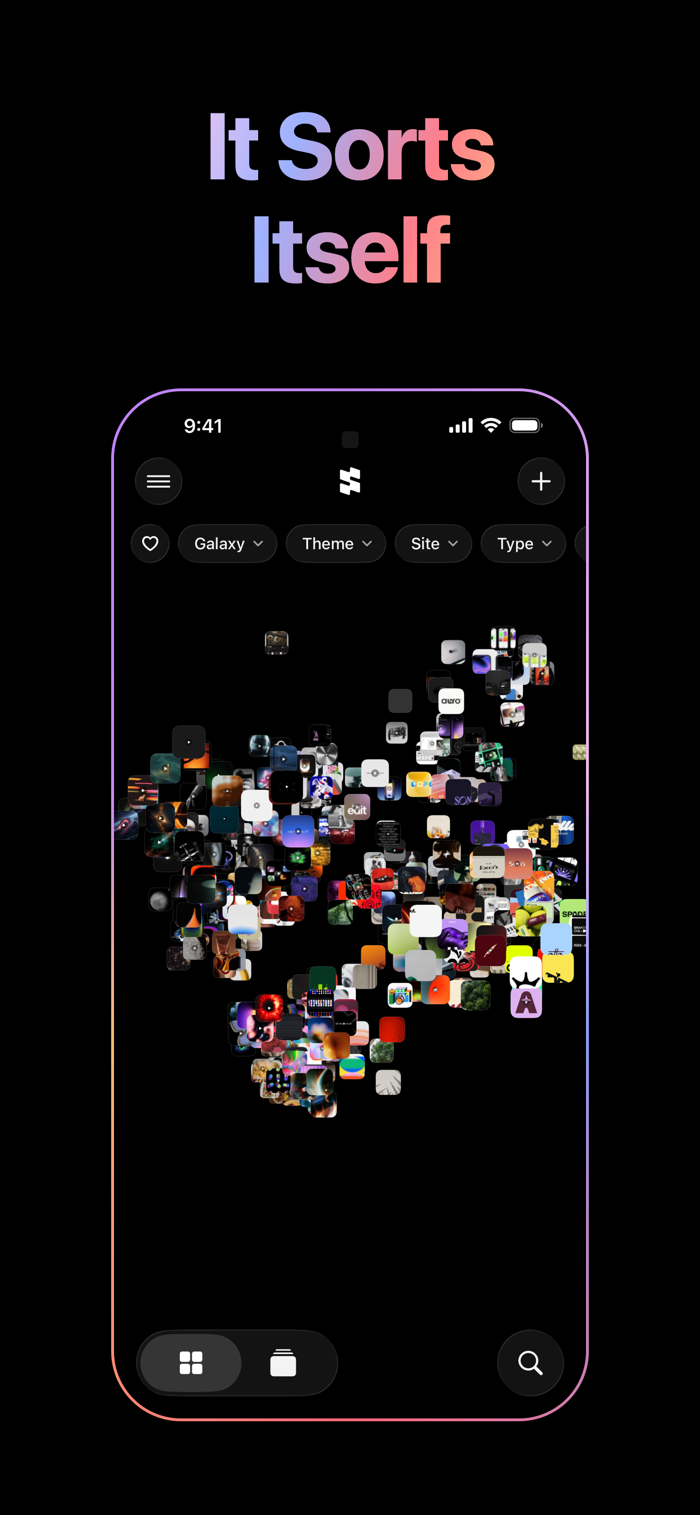
Then it starts to sort itself.
ALIKE SAVES DRIFT TOGETHER
Every link is read on your phone: its words, and what its picture shows. Nothing is sent anywhere. Tags appear on their own, and saves that belong together drift into groups in the galaxy, so even from far off you can see what your saving is really about. The same links gather into themes you can filter by — branding, motion, space, whatever you turn out to be into.
FIVE WAYS TO LOOK
Grid — everything you saved, at a glance, image first. Pinch to see more or less at once.
Board — your saves spread over one plane, like a wall. Drag to roam, pinch to zoom.
Wall — your pictures in columns that go on forever, whichever way you go. Leave it be, and it drifts on its own.
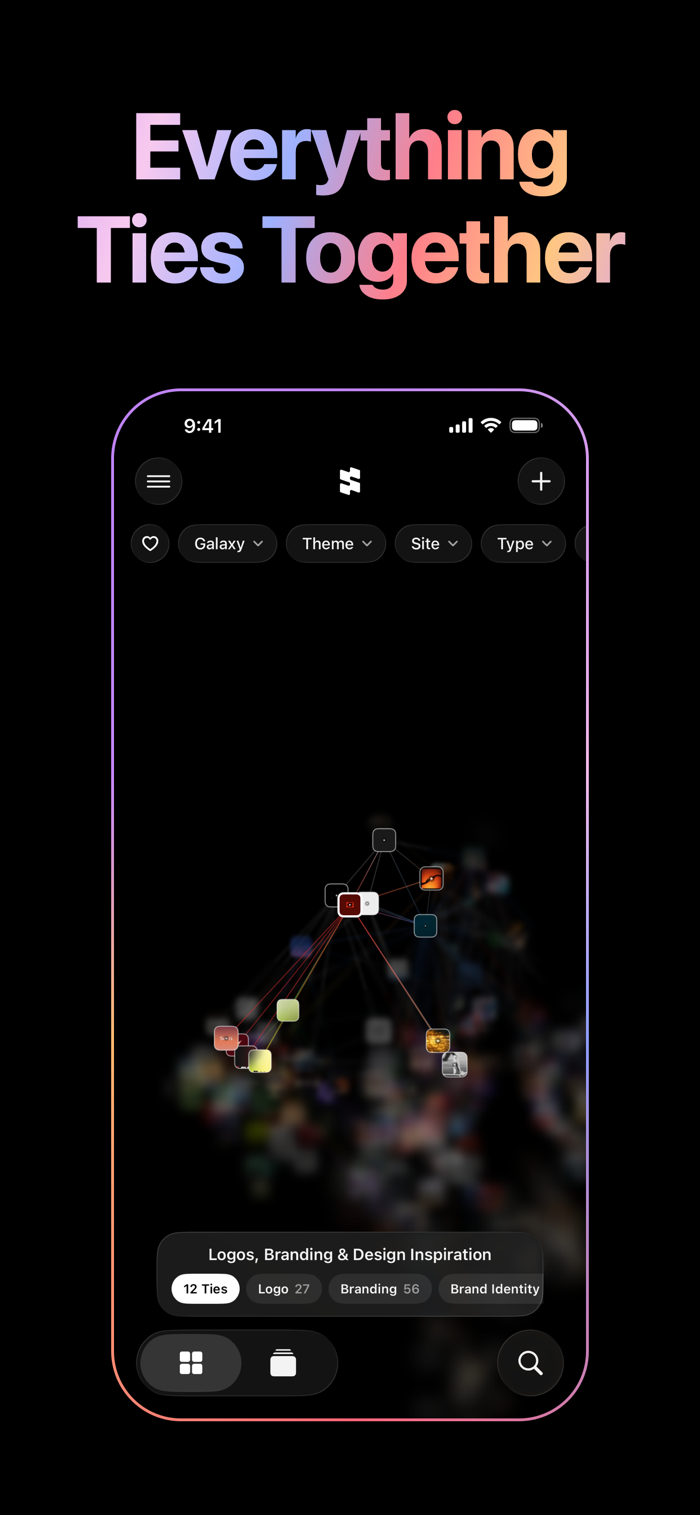
Galaxy — your library as a world in space, alike saves floating together in groups. Tap a link and a light travels out through everything it connects to, by picture, by meaning, by tag, through its own group and across to the others. Follow it somewhere unexpected. Sort it by color, by time, by site or by style, or place words of your own, and the links they're about gather around them.
Projects — a space for a trip, a piece of work, or whatever you're into this week, each with a moodboard to lay out by hand: move, pinch and twist the pictures, then draw, write and join them with arrows. Send one out as a lookbook, a PDF of every save.
Hold a finger still and draw a loop in the galaxy or on a board, and everything inside is picked, ready to move, share or delete together.
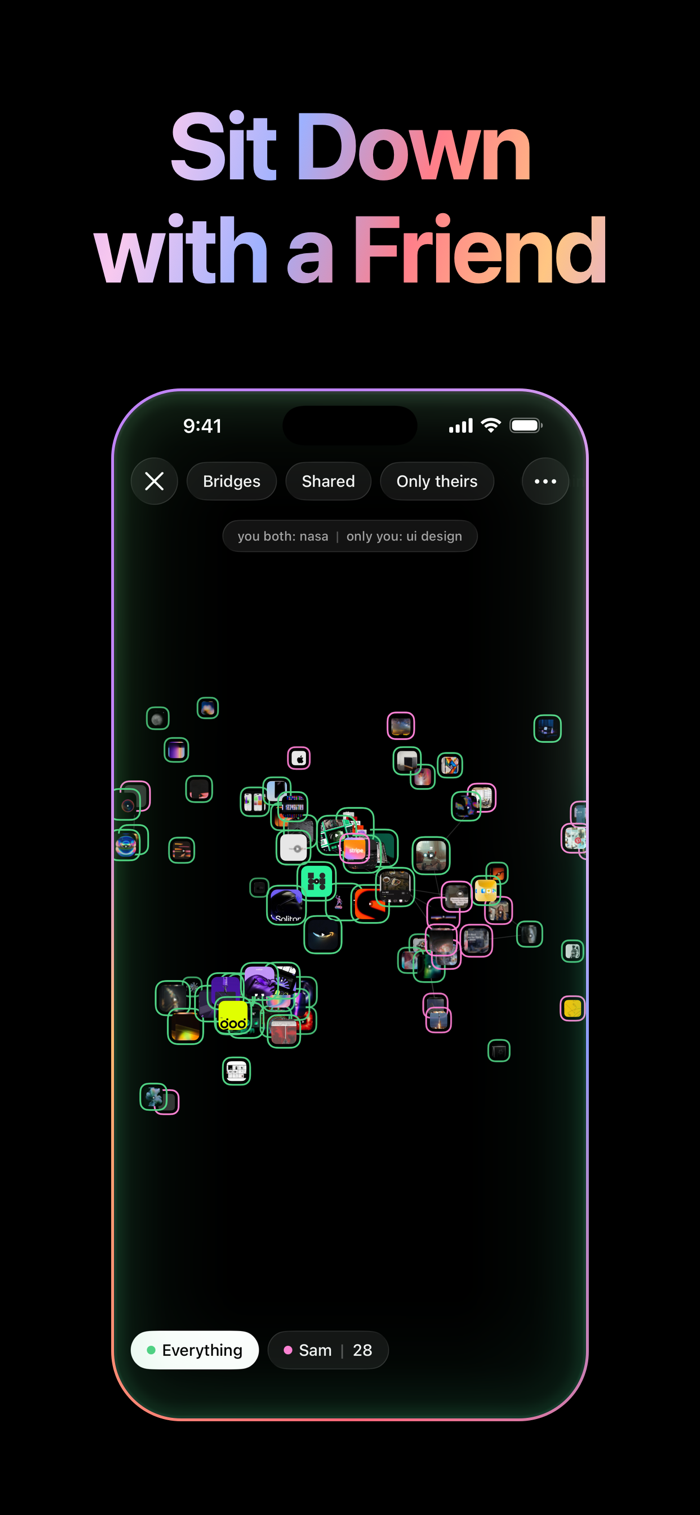
SIT DOWN WITH A FRIEND
Put two phones side by side and your libraries become one galaxy, each in its own color. See where your tastes meet, pass a link across, and leave with a little of theirs. The phones talk to each other directly — nothing goes through a server, and only what you choose to bring ever leaves your phone.
BRING WHAT YOU ALREADY SAVED
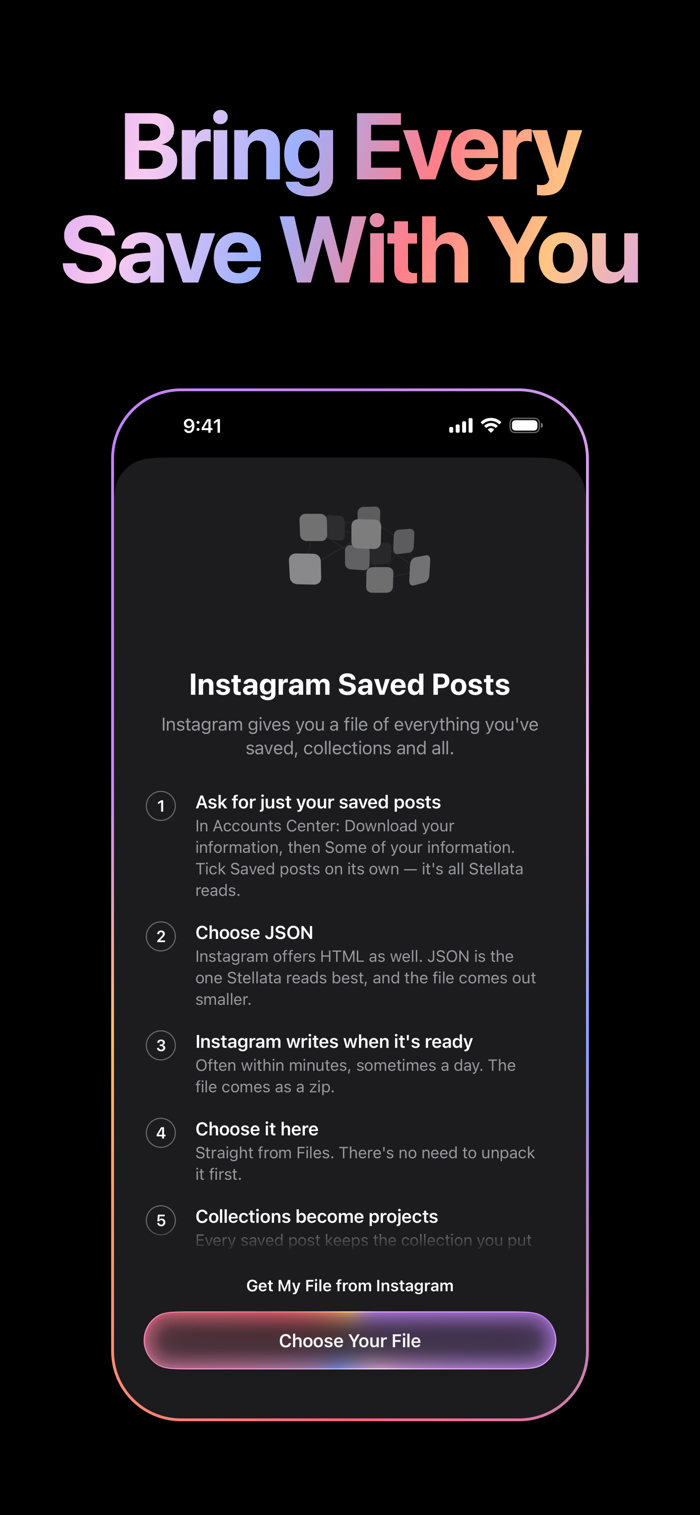
Your Instagram saves come across, and your Pinterest boards and Are.na channels too, so you start with your real collection instead of an empty page, and watch it sort itself into groups.
FIND YOUR WAY BACK
Type what you're looking for, or tap + to pick a color, a style or a photo, and the saves that fit fly in close. Or describe what a picture shows, like “cracked ice,” and Search finds it, even when no title or tag says so. It reads the words in your pictures too, so a screenshot turns up by what it says. Point the camera at a poster or a wall to see the saves that look most like it. Filter by site, by type, by color. Or just wander.
ON YOUR MAC TOO
Stellata is on the Mac as well, your library kept in step by iCloud, and Stellata Unlimited comes along.
IT STAYS YOURS
Everything syncs through your own iCloud, and previews are kept on the phone, so your library is there with no signal. Share a project and a few people can save into it together, on one moodboard. No account to make, no feed, no one else's algorithm.
STELLATA UNLIMITED
The free plan holds 30 links. Unlimited holds any number, as a monthly subscription or a one-time purchase. If Unlimited ends, nothing is deleted: your newest 30 stay open and the rest wait for you.
Terms of Use: https://www.apple.com/legal/internet-services/itunes/dev/stdeula/
Privacy Policy: https://stellata.app/privacy.html
分享「」体验,参与「」抽奖!
分享 1~3 张你对这个产品最满意的截图或效果图
分享「」体验,参与「」抽奖!
用你的故事点亮社区✨!你的真实体验,将会永久展示在 官方主页 📌,为其他朋友提供宝贵参考 💡。立即分享吧!🚀
请为产品评分
请选择问题回答,为大家提供宝贵参考
选择要回答的问题
温馨提示
你尚未上传产品截图。
上传截图可立即获得宝石积分奖励!
如果你赶时间,也可稍后修改评论,补上截图领取宝石。
温馨提醒
你尚未添加产品截图
⚠️ 不添加截图将降低抽奖权重

感谢参加,你已成功参加!
为了确保你能及时收到审核结果和领奖码通知

扫描二维码关注 Mergeek 公众号
在后台回复 「获奖通知」
完成上述操作,即可保障奖励发放成功






用户评价
立即分享产品体验
你的真实体验,为其他用户提供宝贵参考
💎 分享获得宝石
【分享体验 · 获得宝石 · 增加抽奖机会】
将你的产品体验分享给更多人,获得更多宝石奖励!
💎 宝石奖励
每当有用户点击你分享的体验链接并点赞"对我有用",你将获得:
🔗 如何分享
复制下方专属链接,分享到社交媒体、群聊或好友:
💡 小贴士
分享时可以添加你的个人推荐语,让更多人了解这款产品的优点!
示例分享文案:
"推荐一款我最近体验过的应用,界面设计很精美,功能也很实用。有兴趣的朋友可以看看我的详细体验评价~"
关注 Mergeek 公众号
领奖遇到问题?联系小门助手