CardScan turns a stack of paper business cards into structured contacts, entirely on your iPhone.
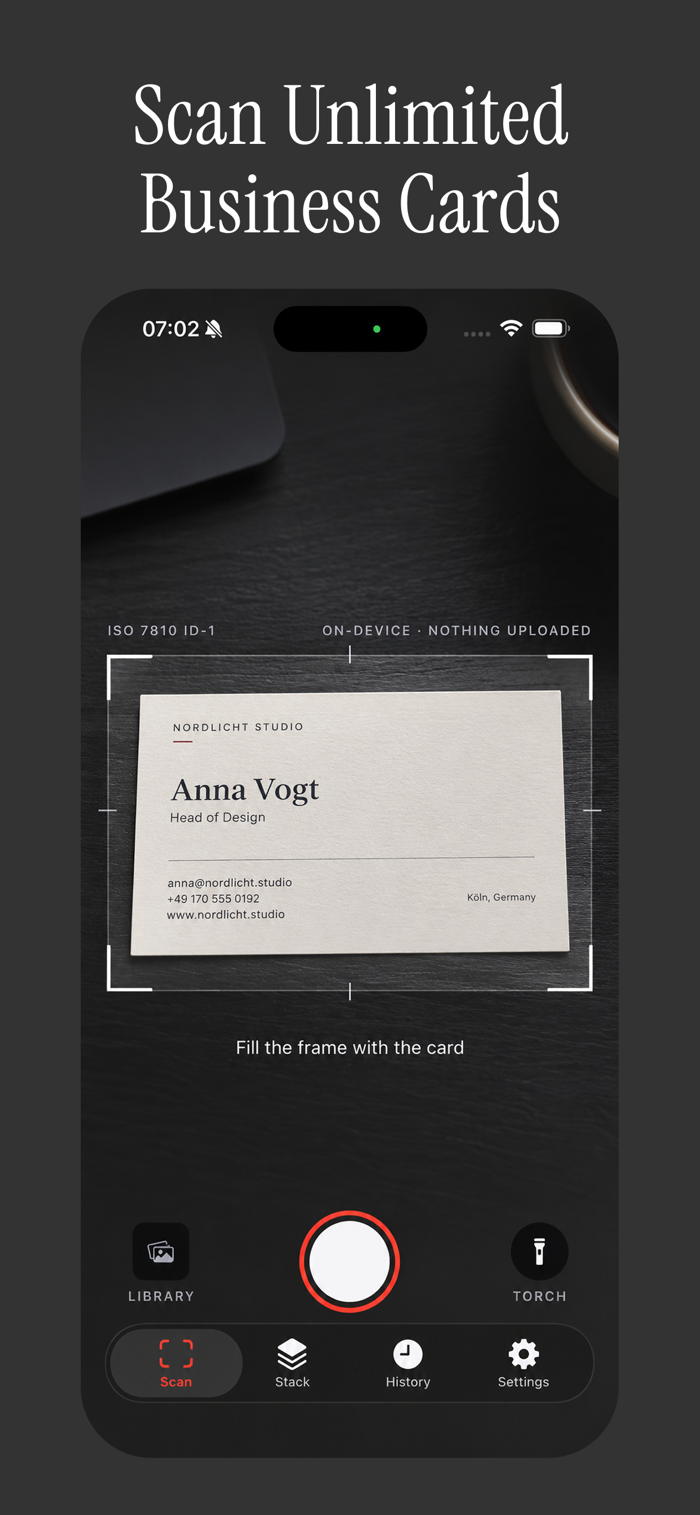
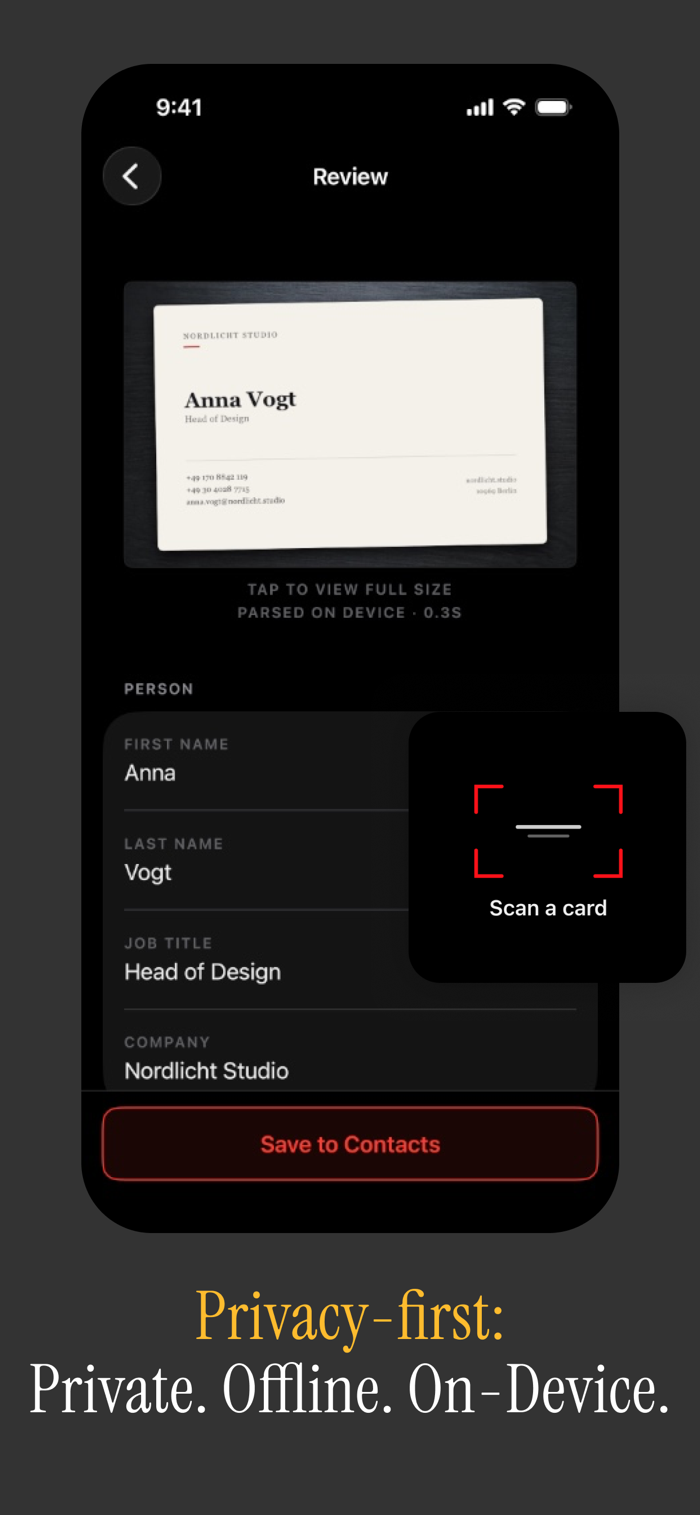
Point the camera at a card and Apple's Vision framework reads it on-device - no account, no server, no upload. It works in airplane mode, because the recognition never leaves your phone. Nothing about the cards you scan, or the photos you take of them, is sent anywhere.
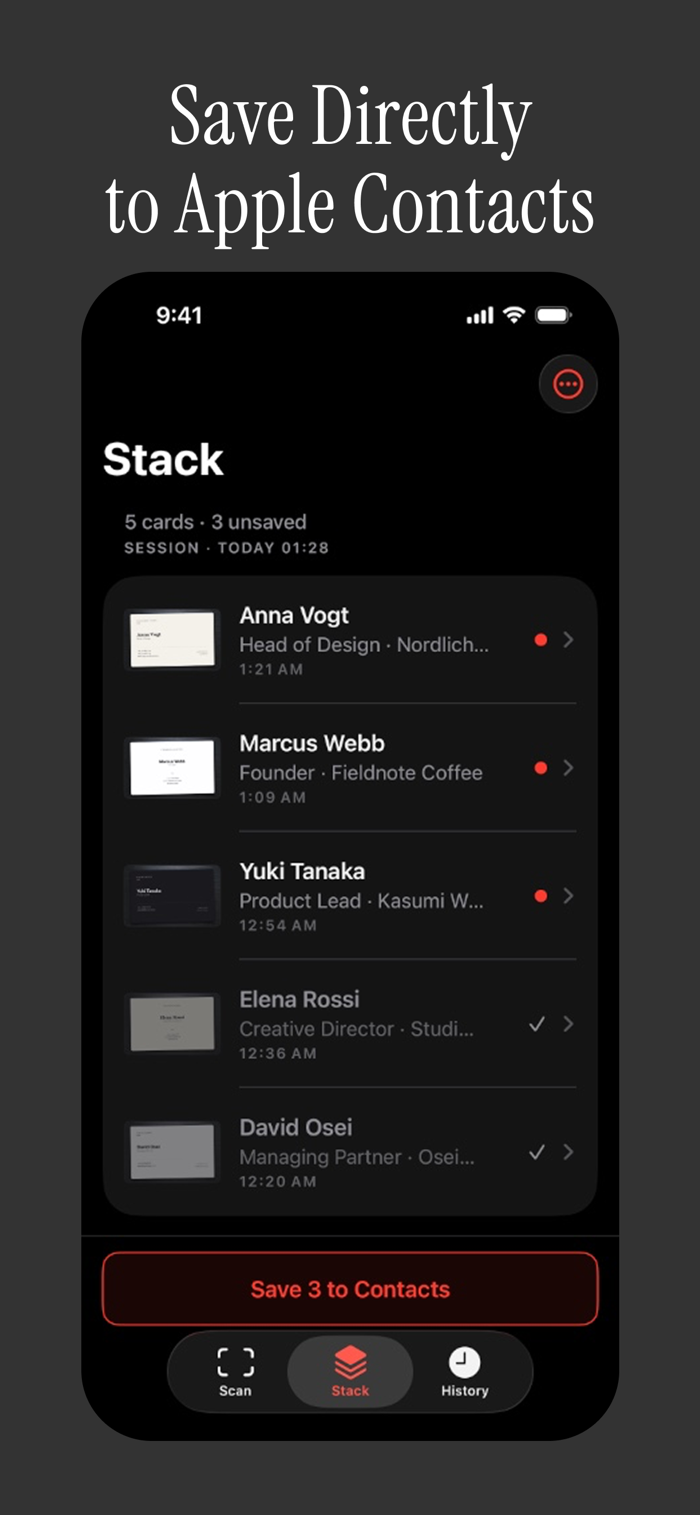
CardScan sorts the text into the right fields automatically: name, job title, company, labeled phone numbers, emails, website and postal address. Review the result, correct any field, and reassign a stray line to name or company if needed. One tap saves it to iOS Contacts with the card photo attached, and CardScan warns you if the person is already in your address book.
Built for events, not single cards. Shoot an entire meeting or a whole conference room back to back - CardScan groups everything from one session into a stack, so you can move fast during the day and sort it out later. Save the whole session in one pass once you're ready.
Every card you've ever scanned stays in a searchable history, grouped by day, each entry kept with its original photo. When you need the data elsewhere, export to vCard or CSV through the share sheet, written locally on your device.
Home Screen and Lock Screen widgets open the viewfinder in one tap, so the next card is one motion away.
CardScan is completely free: no subscription, no paywall, no scan limit, no ads.
Mad...


 +100宝石

 分享
分享









用户评价
立即分享产品体验
你的真实体验,为其他用户提供宝贵参考
💎 分享获得宝石
【分享体验 · 获得宝石 · 增加抽奖机会】
将你的产品体验分享给更多人,获得更多宝石奖励!
💎 宝石奖励
每当有用户点击你分享的体验链接并点赞"对我有用",你将获得:
🔗 如何分享
复制下方专属链接,分享到社交媒体、群聊或好友:
💡 小贴士
分享时可以添加你的个人推荐语,让更多人了解这款产品的优点!
示例分享文案:
"推荐一款我最近体验过的应用,界面设计很精美,功能也很实用。有兴趣的朋友可以看看我的详细体验评价~"
关注 Mergeek 公众号
领奖遇到问题?联系小门助手