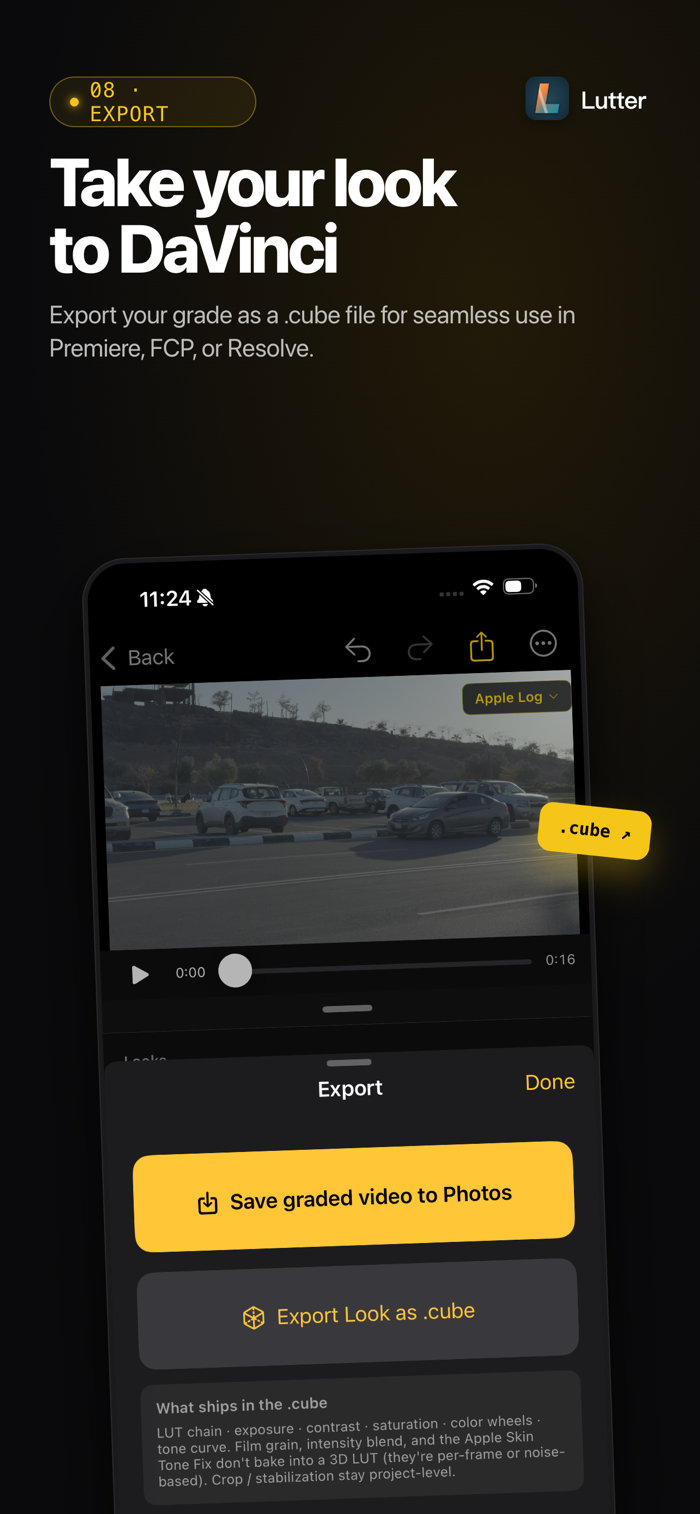
Lutter turns iPhone Log footage into a finished look — without learning DaVinci Resolve, and without a yearly subscription.
Built for filmmakers shooting on iPhone 15 / 16 / 17 Pro who want real color grading on the same device they shot on.
ONE PRICE. NO SUBSCRIPTION MAZE.
• Pro — one-time $24.99. All Pro features, forever.
• Pass — $1.99/month, first month free. Optional content drop: one new City LUT pack every month. Independent of Pro.
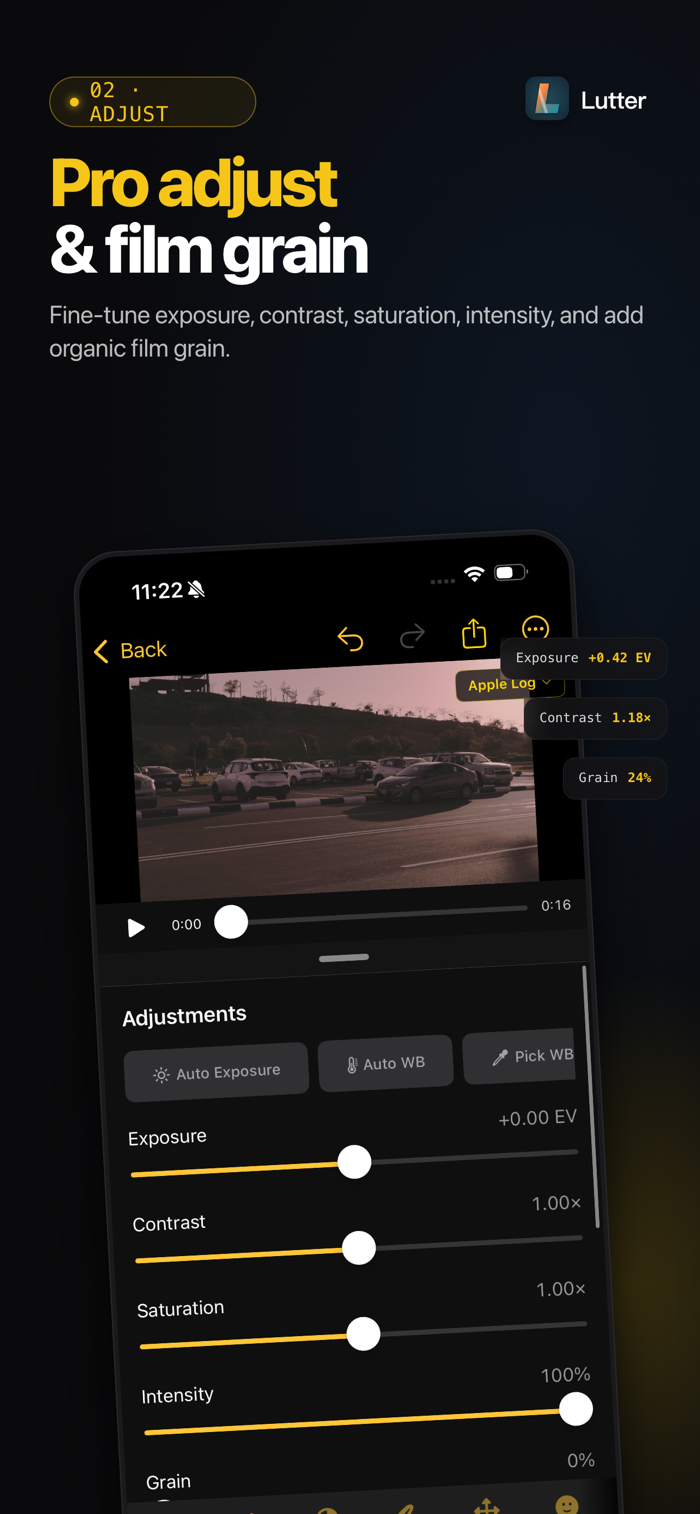
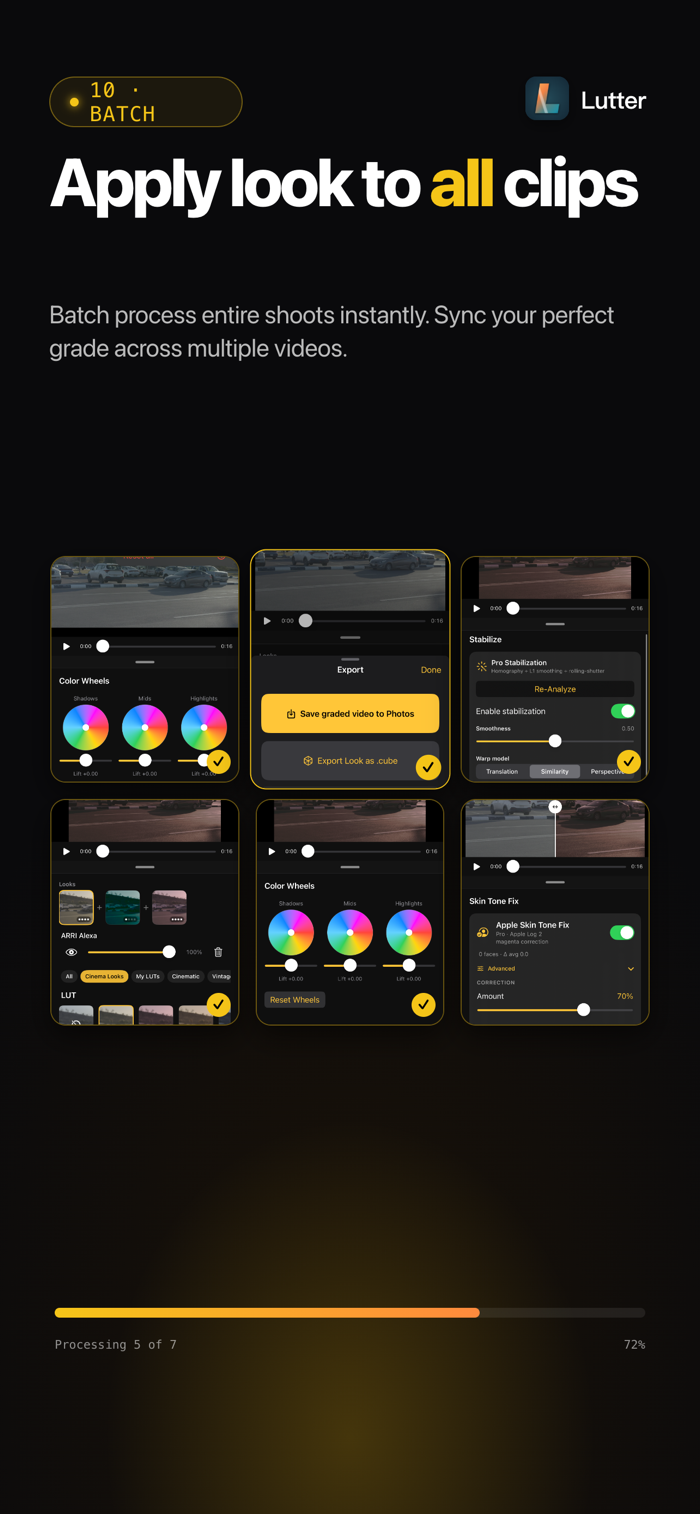
• Free tier: 6 LUTs, 4 basic sliders, Auto Exposure, full batch processing. No watermark.
Two SKUs. No weekly trap. No four-step upgrade ladder.
BUILT FOR iPHONE LOG SHOOTERS
• Auto-detects Apple Log 1.0 vs Apple Log 2.0 — surfaced as a visible badge, not buried in a dropdown. One-tap manual override for re-encoded clips.
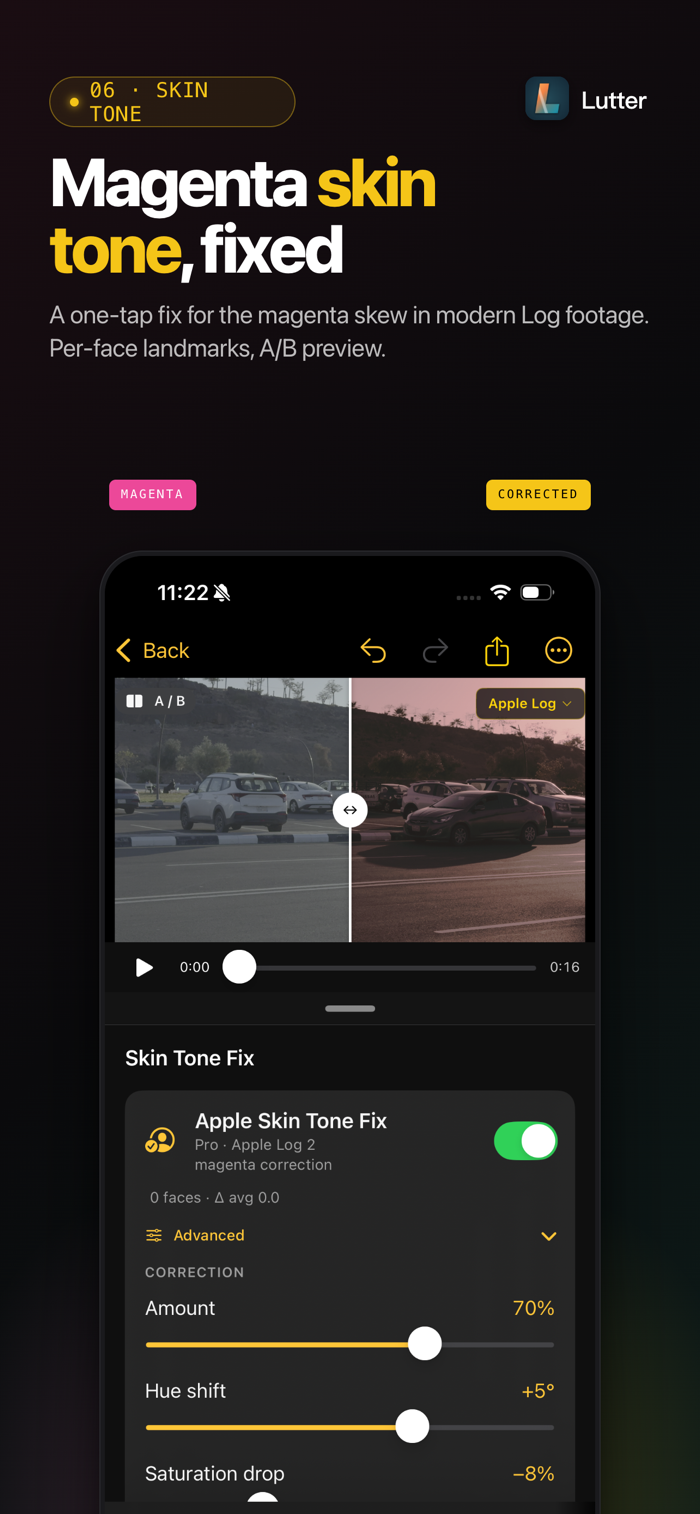
• Skin Tone Fix (Pro) — corrects the magenta-leaning skin tone on iPhone 16 Pro / 17 Pro Apple Log 2 footage. Per-frame Vision face landmarks, per-face override, A/B preview. No competitor ships this in the box.
• Recipe Badge — expand the file's camera metadata with one tap.
GRADE LIKE A COLORIST (Pro)
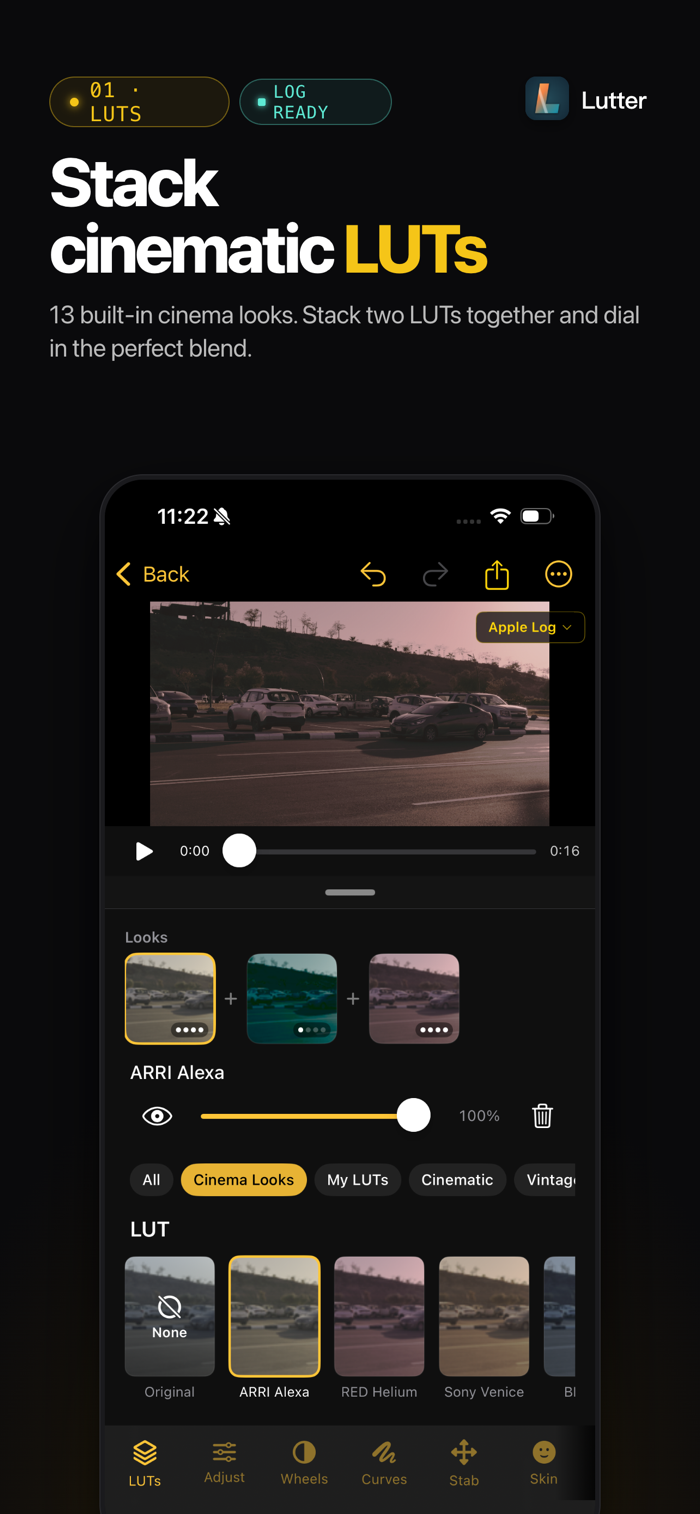
• 13 hand-crafted LUTs (6 free, 7 Pro), refreshed pack. Import any .cube from Files on every tier.
• Multi-LUT chain — stack primary + secondary with per-slot opacity.
• Cinema Looks — algorithmic CSTs for ARRI Alexa, Sony Venice, RED Helium, Blackmagic Pocket. Stackable on top of any creative LUT.
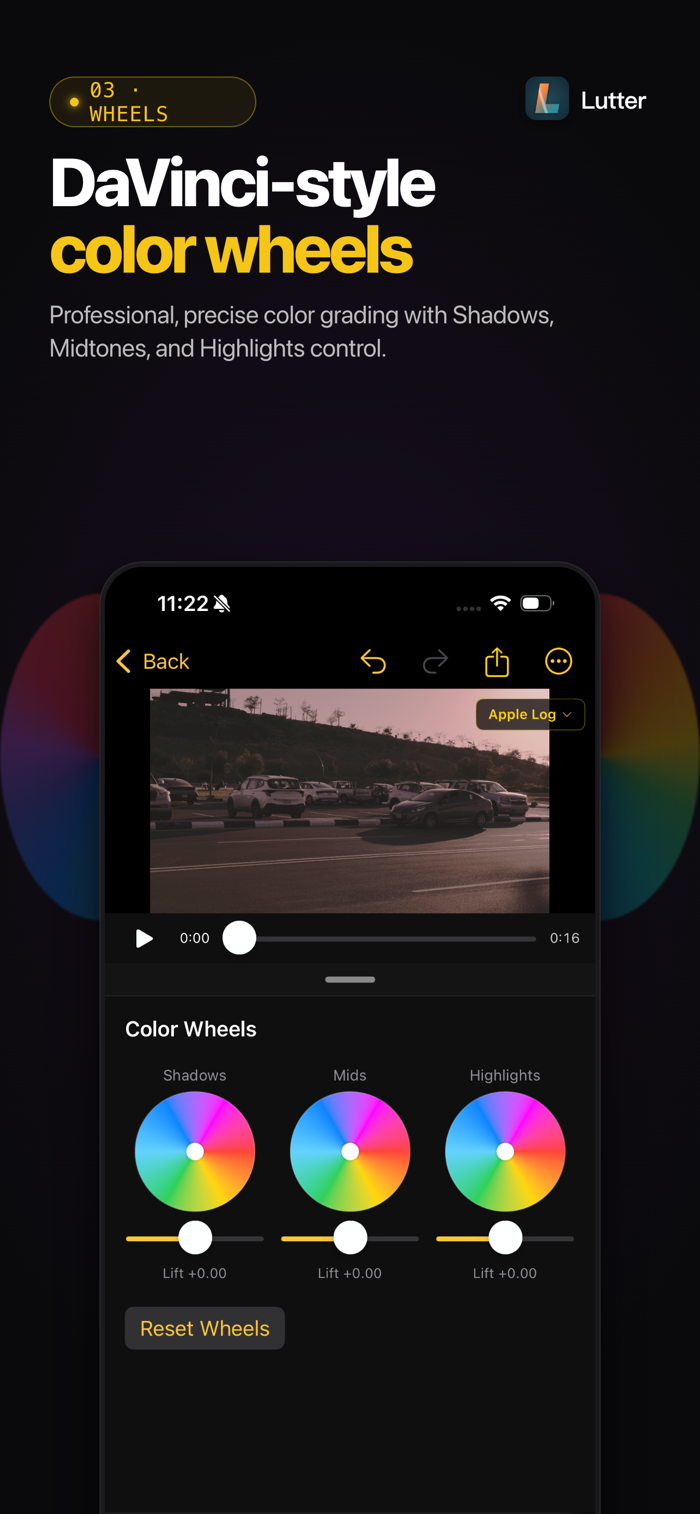
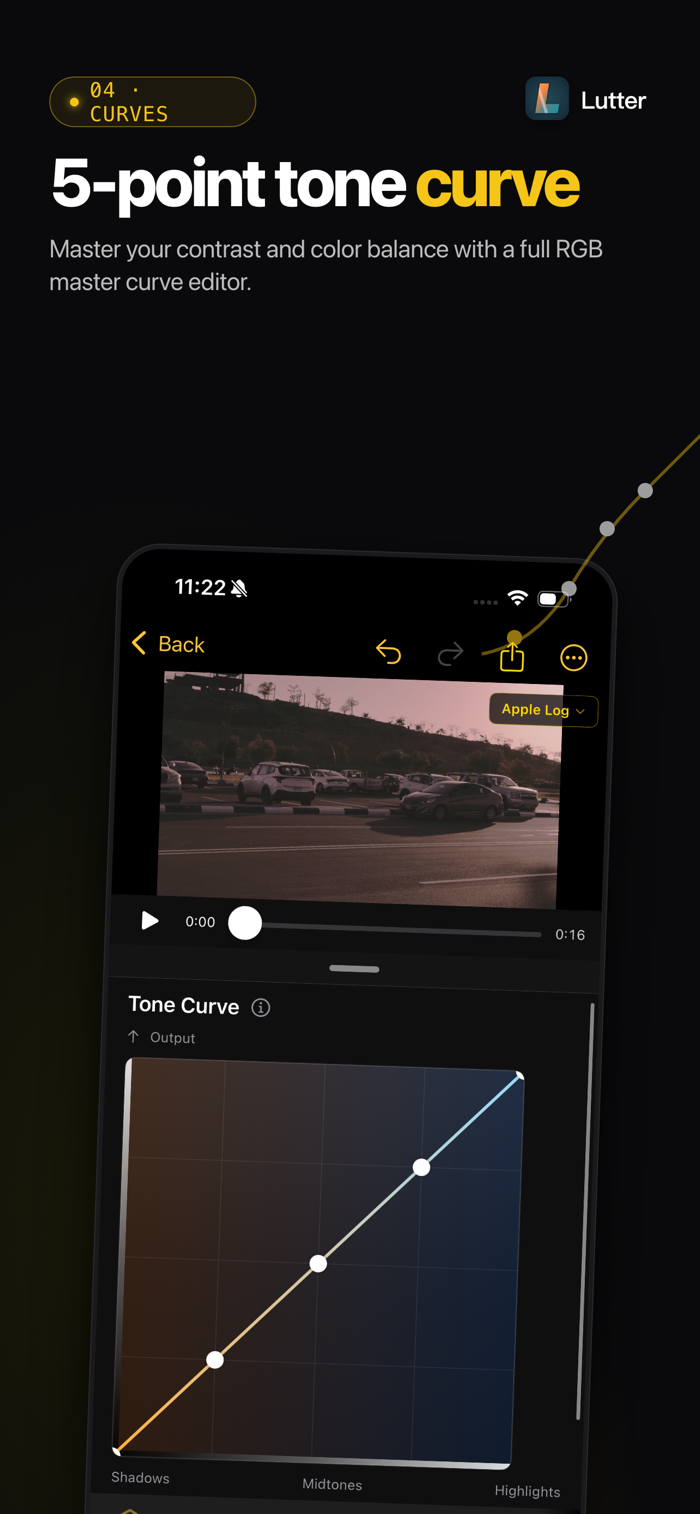
• Color Wheels — Shadow / Mid / Highlight...


 +100宝石

 分享
分享


















用户评价
立即分享产品体验
你的真实体验,为其他用户提供宝贵参考
💎 分享获得宝石
【分享体验 · 获得宝石 · 增加抽奖机会】
将你的产品体验分享给更多人,获得更多宝石奖励!
💎 宝石奖励
每当有用户点击你分享的体验链接并点赞"对我有用",你将获得:
🔗 如何分享
复制下方专属链接,分享到社交媒体、群聊或好友:
💡 小贴士
分享时可以添加你的个人推荐语,让更多人了解这款产品的优点!
示例分享文案:
"推荐一款我最近体验过的应用,界面设计很精美,功能也很实用。有兴趣的朋友可以看看我的详细体验评价~"
关注 Mergeek 公众号
领奖遇到问题?联系小门助手