


 +100宝石



产品功能
Your videos. A story to revisit.
Leno uses AI to edit the videos you have filmed into a vlog. Trips, family moments, or an ordinary day: choose your footage, and Leno finds moments to include and brings them together with text and music.
For people who want to keep filming, without spending hours reviewing clips and building an edit from scratch.
CHOOSE YOUR VIDEOS
Select footage from your library or files, then choose a target length and editing style. Go for a natural feel, a quicker pace, or a focus on storytelling.
LET AI PUT IT TOGETHER
AI uses the video and audio to choose scenes, arrange the flow, and add text and background music. Your own footage becomes a vlog.
MAKE A FEW FINISHING TOUCHES
Preview the result and adjust what matters to you. Trim or reorder clips, edit text, change music and volume, or choose a filter. You can also describe an adjustment for AI to make.
SAVE AND SHARE
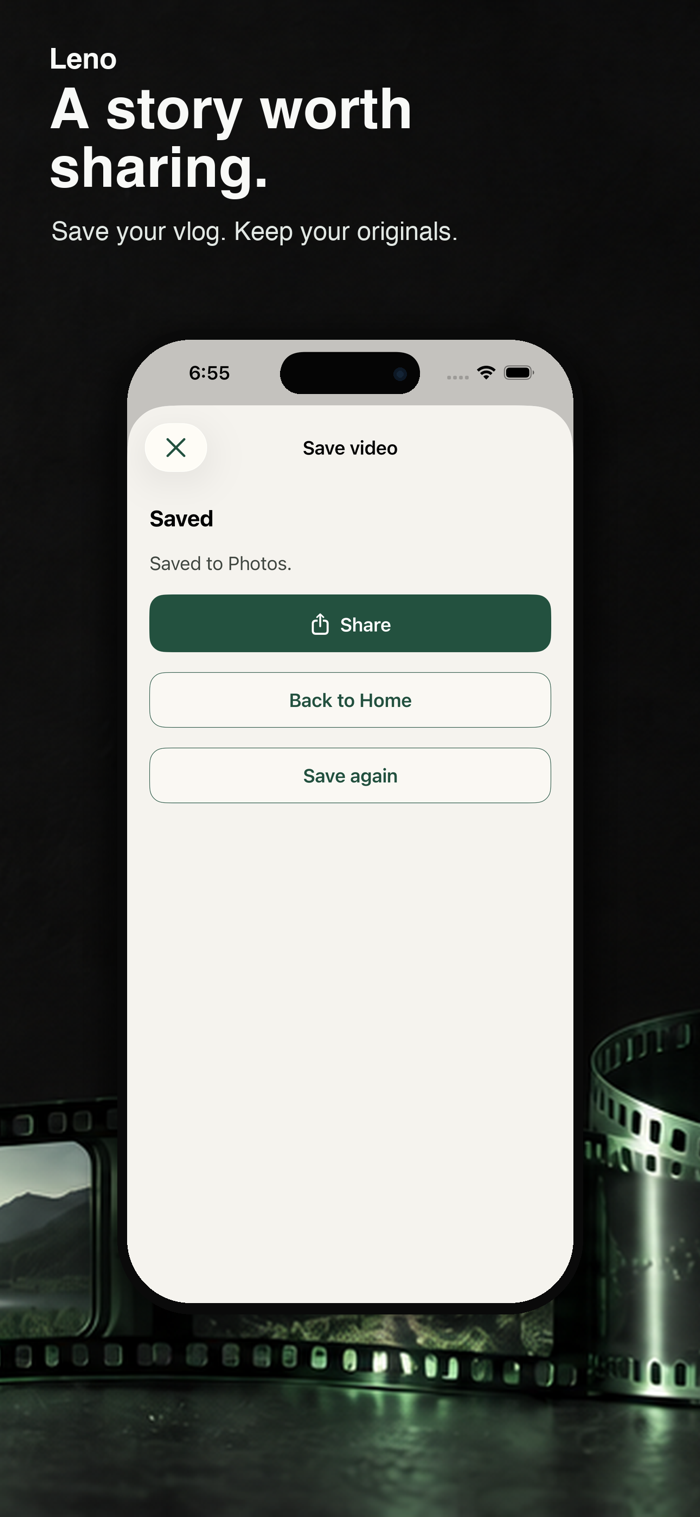
Save the finished vlog to your device and share it with the people you care about. Your original videos stay unchanged.
FREE AND PAID PLANS
Free includes a one-time allowance of 15 AI credits per device that can be used across multiple AI generations until the credits are gone, with up to 10 minutes of new footage and a finished video up to 90 seconds. This allowance does not reset monthly.
Plus includes an AI processing allowance of 120 credits per billing period, and Pro includes 360. Both support finished videos up to 10 minutes. Credits measure AI processing usage. Credit use depends on footage length and the AI editing requested. Manual adjustments, previews, and exports use no credits. Unused monthly credits do not roll over.
Paid plans are monthly, auto-renewing subscriptions. See the purchase screen for local pricing. Manage or cancel your subscription in your Apple Account settings.
YOUR VIDEOS AND PRIVACY
AI editing requires an internet connection. With your consent, lightweight versions of your videos are sent over an encrypted connection for AI processing. Original footage remains unchanged in its source location, and exported videos are saved on your device. See the privacy policy for temporary data retention and deletion. Usage analytics are off by default and can be changed in Settings.
Support: https://leno.harukary.com/en/support/
Privacy policy: https://leno.harukary.com/en/privacy/
Terms: https://leno.harukary.com/en/terms/
分享「」体验,参与「」抽奖!
分享 1~3 张你对这个产品最满意的截图或效果图
分享「」体验,参与「」抽奖!
用你的故事点亮社区✨!你的真实体验,将会永久展示在 官方主页 📌,为其他朋友提供宝贵参考 💡。立即分享吧!🚀
请为产品评分
请选择问题回答,为大家提供宝贵参考
选择要回答的问题
温馨提示
你尚未上传产品截图。
上传截图可立即获得宝石积分奖励!
如果你赶时间,也可稍后修改评论,补上截图领取宝石。
温馨提醒
你尚未添加产品截图
⚠️ 不添加截图将降低抽奖权重

感谢参加,你已成功参加!
为了确保你能及时收到审核结果和领奖码通知

扫描二维码关注 Mergeek 公众号
在后台回复 「获奖通知」
完成上述操作,即可保障奖励发放成功






用户评价
立即分享产品体验
你的真实体验,为其他用户提供宝贵参考
💎 分享获得宝石
【分享体验 · 获得宝石 · 增加抽奖机会】
将你的产品体验分享给更多人,获得更多宝石奖励!
💎 宝石奖励
每当有用户点击你分享的体验链接并点赞"对我有用",你将获得:
🔗 如何分享
复制下方专属链接,分享到社交媒体、群聊或好友:
💡 小贴士
分享时可以添加你的个人推荐语,让更多人了解这款产品的优点!
示例分享文案:
"推荐一款我最近体验过的应用,界面设计很精美,功能也很实用。有兴趣的朋友可以看看我的详细体验评价~"
关注 Mergeek 公众号
领奖遇到问题?联系小门助手