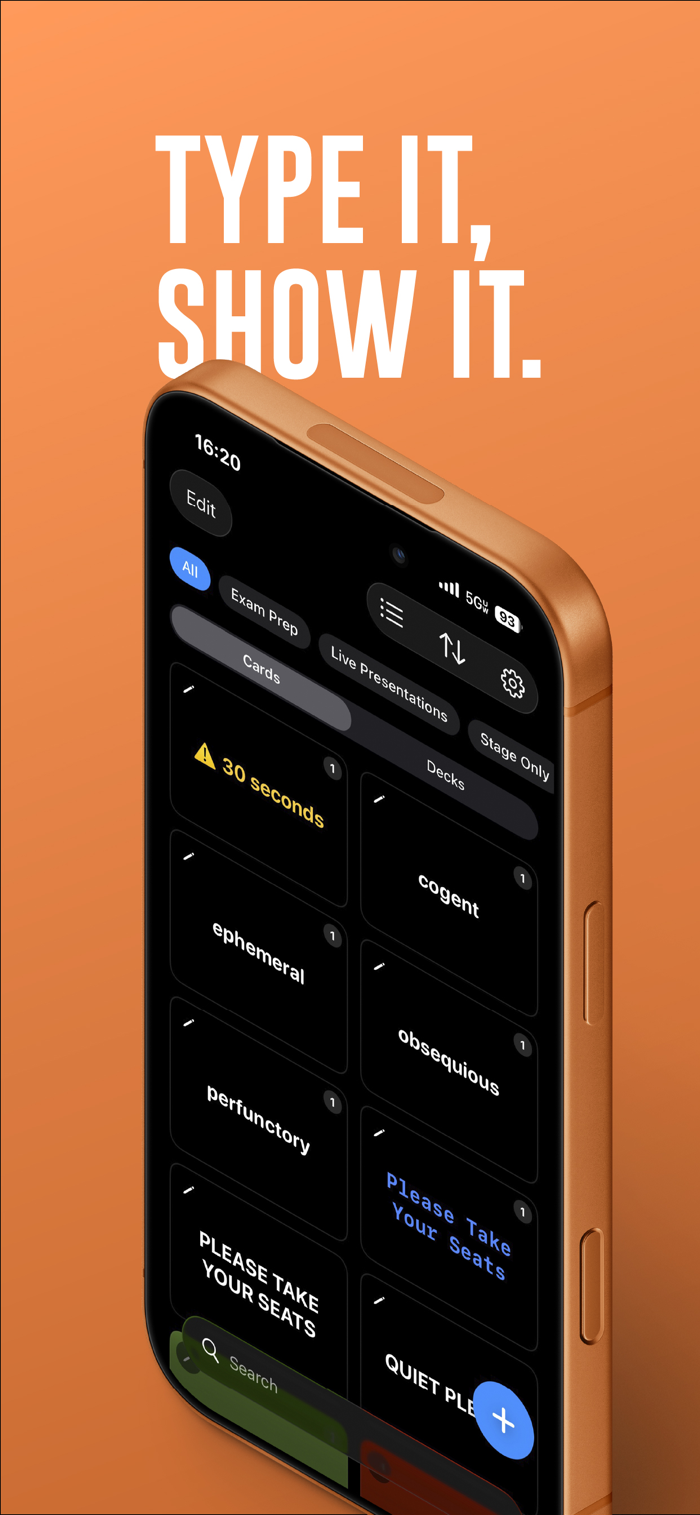
Yonder displays your text in large, bold type across the full screen of your iPhone — designed to be read clearly from across a room.
Whether you're holding up a sign, running a cue card, or prompting a speaker, Yonder gets your message seen.
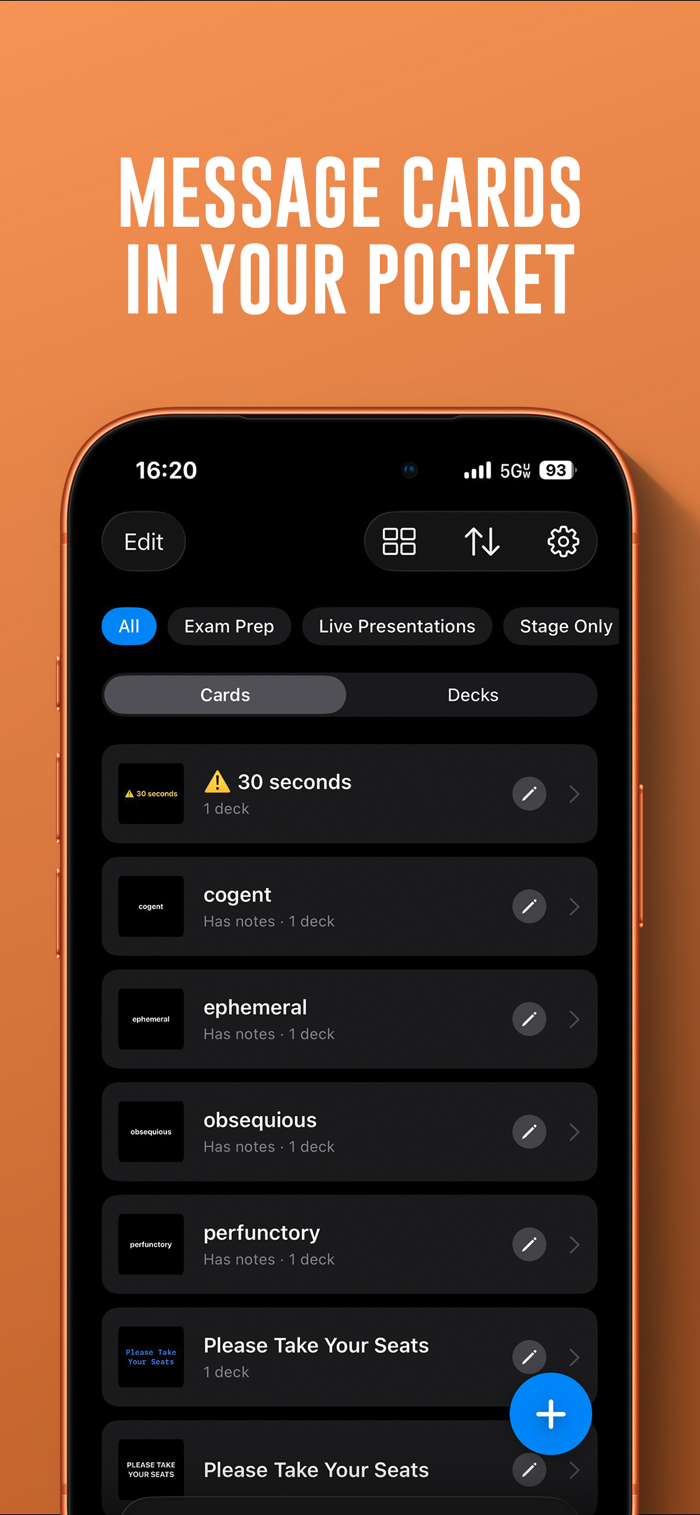
• Cards – Create cards with custom text, colors, fonts and styles. Every card is full screen, high contrast, and built for distance.
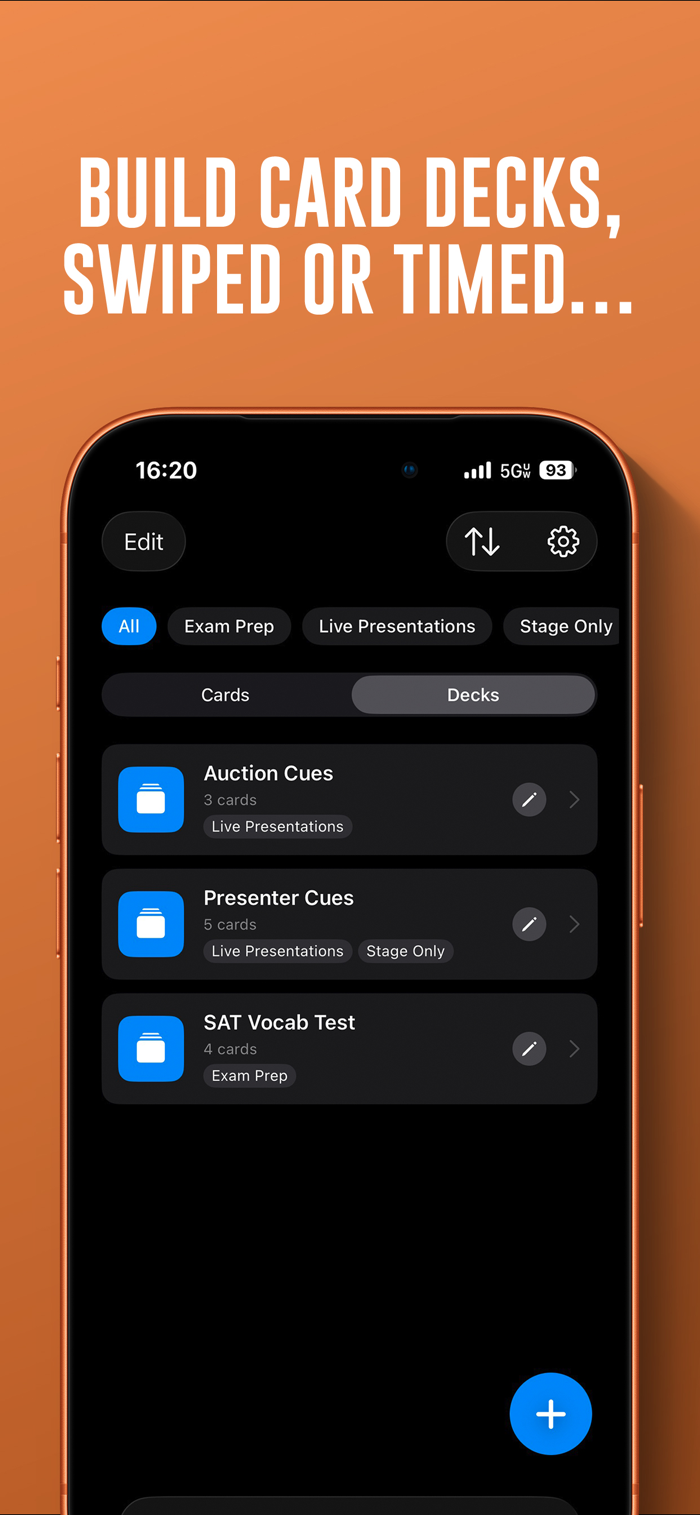
• Decks – Group cards into decks and present them in sequence. Swipe manually or let a timer advance them automatically.
• Flashcards – Flip cards to reveal presenter notes on the back — ideal for rehearsal, Q&A, or cued responses.
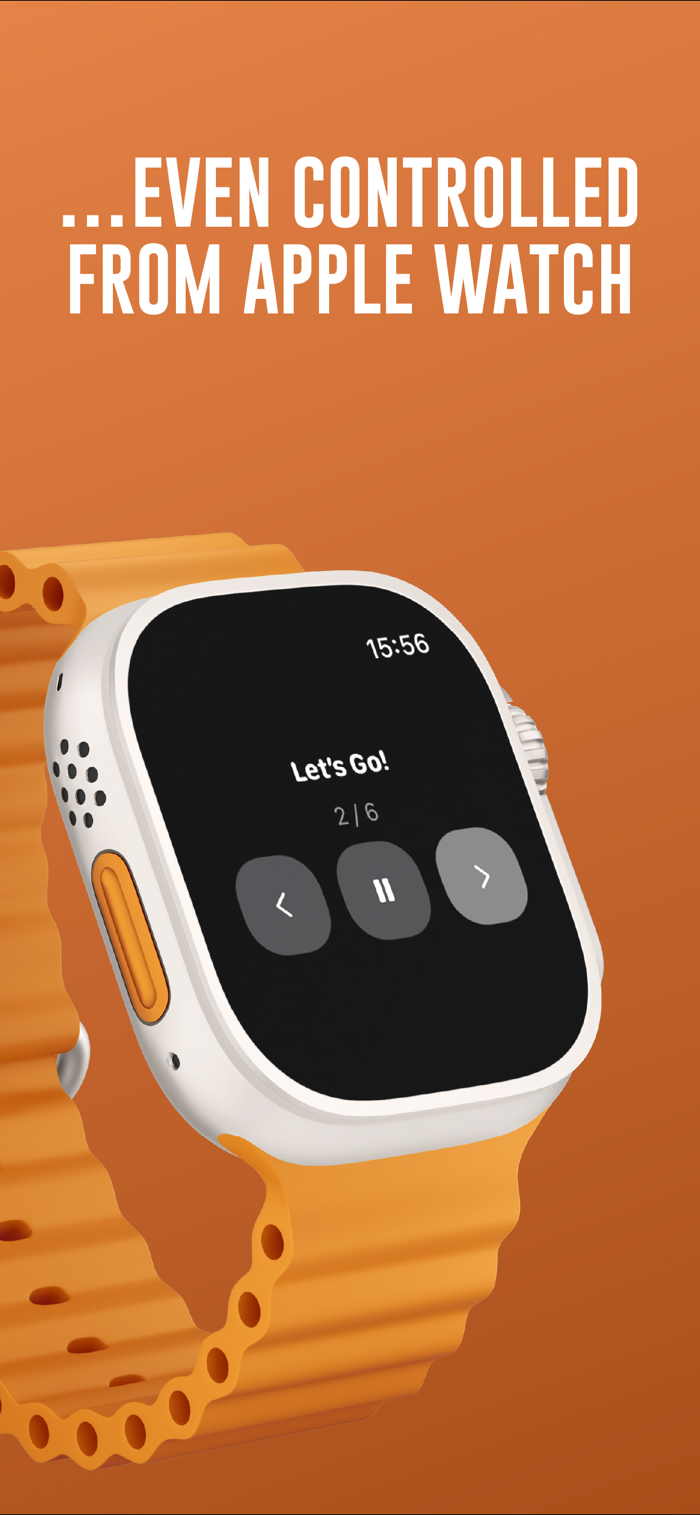
• Apple Watch Remote – Control your deck from your wrist. Advance, go back, and pause from your Apple Watch while your iPhone displays the content.
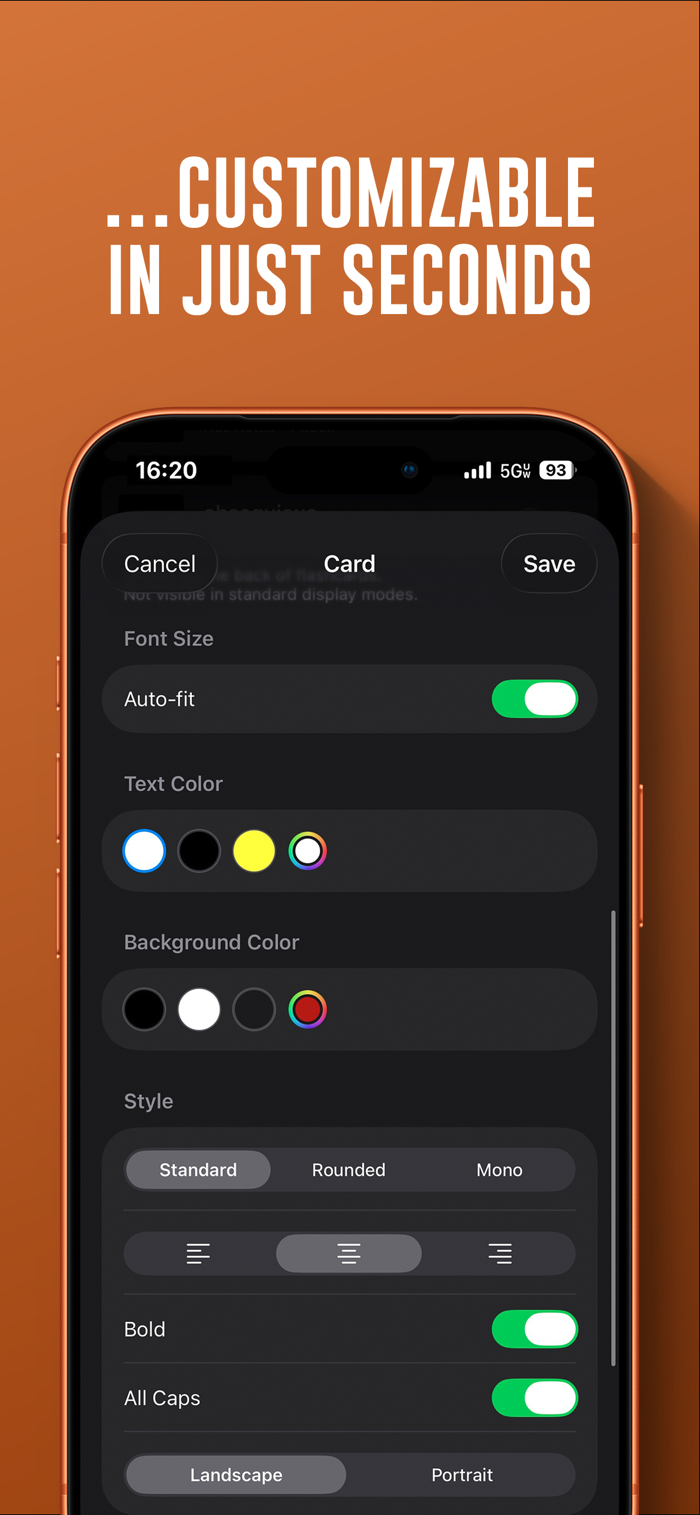
• Customisation – Choose your font, color, alignment, and size. Enable all-caps for impact. Save your defaults for instant consistency across every card.
• Share – Export cards and decks as Yonder files and share them with other Yonder users via AirDrop, Messages, or Files.

 +100宝石

 分享
分享














用户评价
立即分享产品体验
你的真实体验,为其他用户提供宝贵参考
💎 分享获得宝石
【分享体验 · 获得宝石 · 增加抽奖机会】
将你的产品体验分享给更多人,获得更多宝石奖励!
💎 宝石奖励
每当有用户点击你分享的体验链接并点赞"对我有用",你将获得:
🔗 如何分享
复制下方专属链接,分享到社交媒体、群聊或好友:
💡 小贴士
分享时可以添加你的个人推荐语,让更多人了解这款产品的优点!
示例分享文案:
"推荐一款我最近体验过的应用,界面设计很精美,功能也很实用。有兴趣的朋友可以看看我的详细体验评价~"
关注 Mergeek 公众号
领奖遇到问题?联系小门助手