Data Manager可免费实时监控设备数据使用情况与速度,避免超额付费。能实时管理蜂窝网络(4G/LTE/3G/Edge/GPRS)及Wi-Fi数据使用,达阈值时提供警报,不依赖登录运营商服务器或网站。还具备速度测试功能,可对蜂窝或Wi-Fi连接速率及响应进行测试,提供简单易用、准确一致的网速测试,无论何地均可使用。
Monitor the Data Usage and Speed on your device in Real Time for FREE. Stop paying overage fees!
Data Manager will manage both Cellular (4G/LTE/3G/Edge/GPRS) and Wi-Fi data usage in real time from your device. This FREE app will let you be in control of your data usage to avoid the costly overage charges your provider may charge providing alerts when data usage reaches user thresholds. This app monitors data usage from the device itself and is not reliant on setting up or logging into your provider's server or web site. Data Manager also includes the ability to Speed Test your cellular or WiFi connection rate and response for you device. This simple, easy-to-use app provides consistent, accurate internet speed testing from any location.
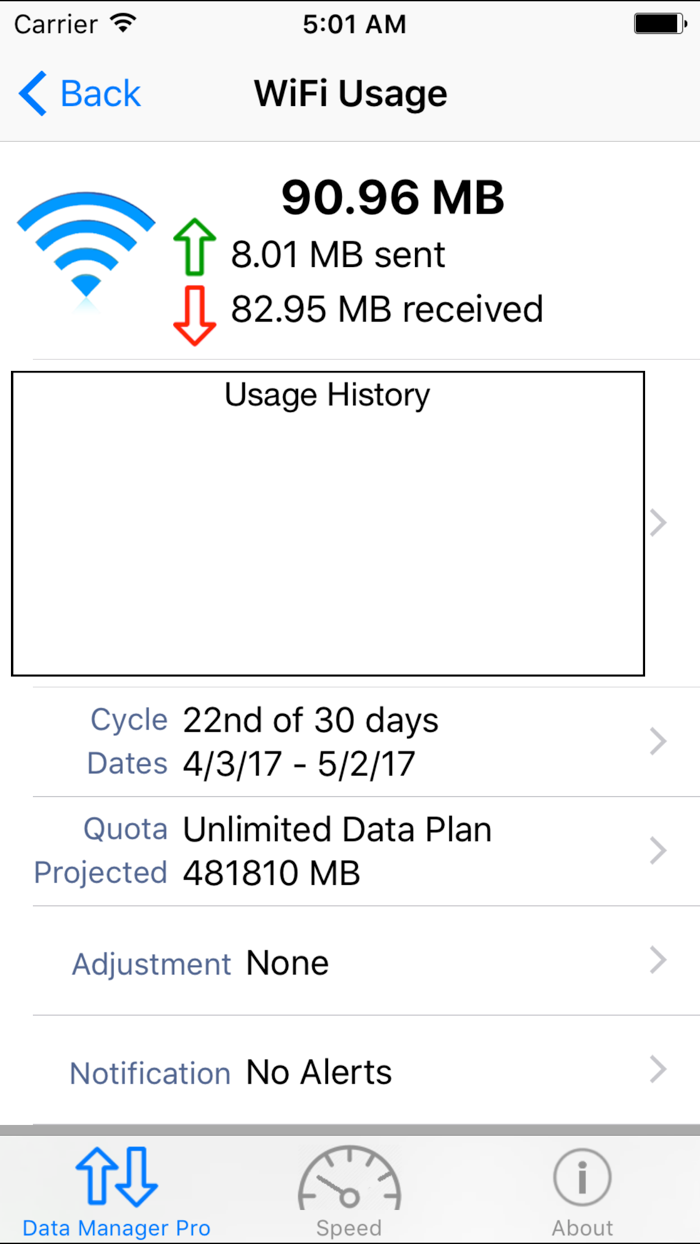
Data Usage Features include: - Monitor mobile Cellular data for all technologies (4G LTE 3G Edge GPRS etc.) int real time. - View the amount of internet data you use over your WiFi connection. - Simple and clear user interface with custom progress bar that graphically shows your data usage and predicted usage. - Works with ANY cellular provider in any country including AT&T, Verizon, Sprint, T-Mobile, Rodgers, Virgin Mobile, Orange, O2, etc. by reading data usage from the device. - Billing periods and quota limits can be configured on a monthly, weekly or custom time basis to match your providers billing schedule. - Works on any iOS device (iPhone/iPad/iPod Touch) running iOS 7.x or later. - Works in the background using battery efficient background monitoring in iOS 7 to monitor usage and notify users when data usage reaches configured limits. - App Badge Monitoring shows the % as a app badge without even opening the app.
Advanced Data Usage Features: - Custom counters can be setup allow you to monitor usage during a certain period to help identify data hogging apps. Counters can be easily enabled or disabled and can even be configured to end at a predetermined time. - History graph shows previous data usage for each day. - Email your usage information at any time.
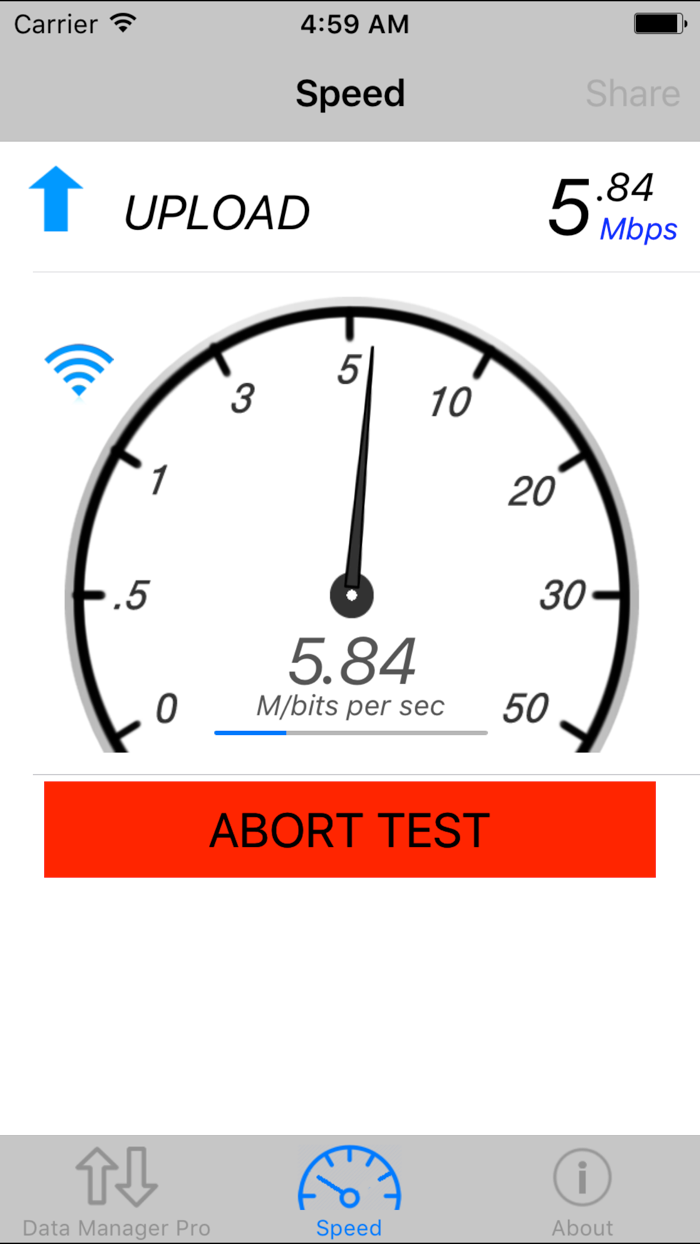
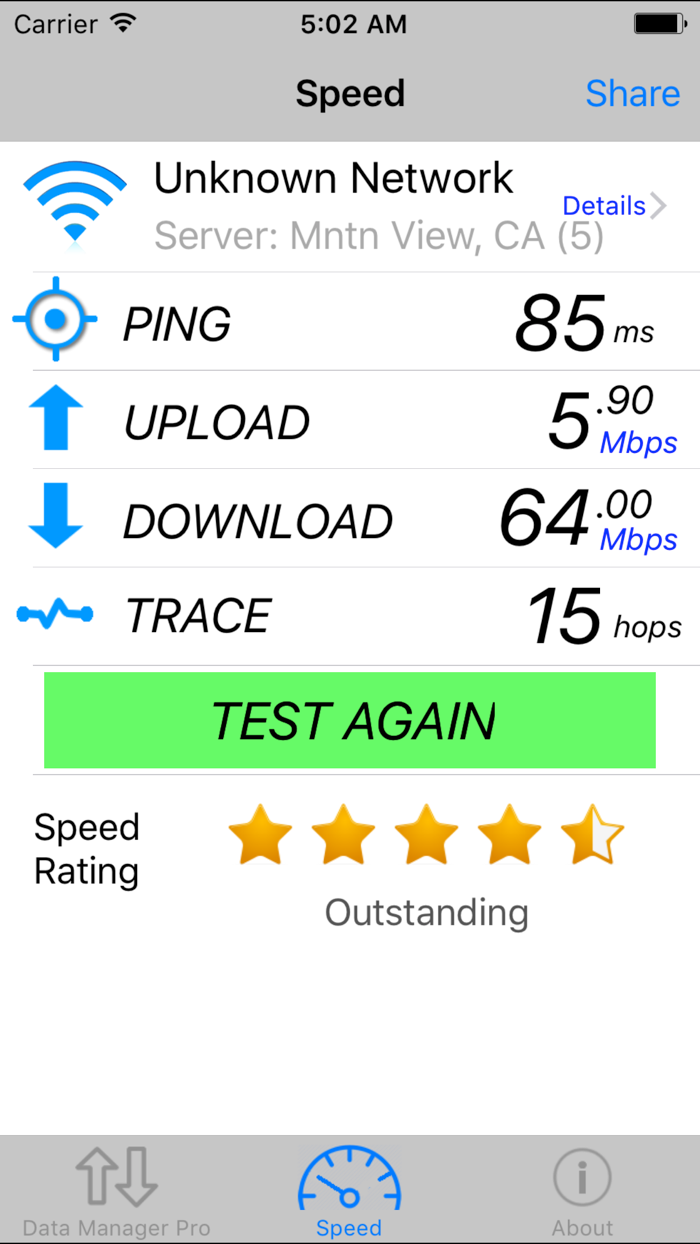
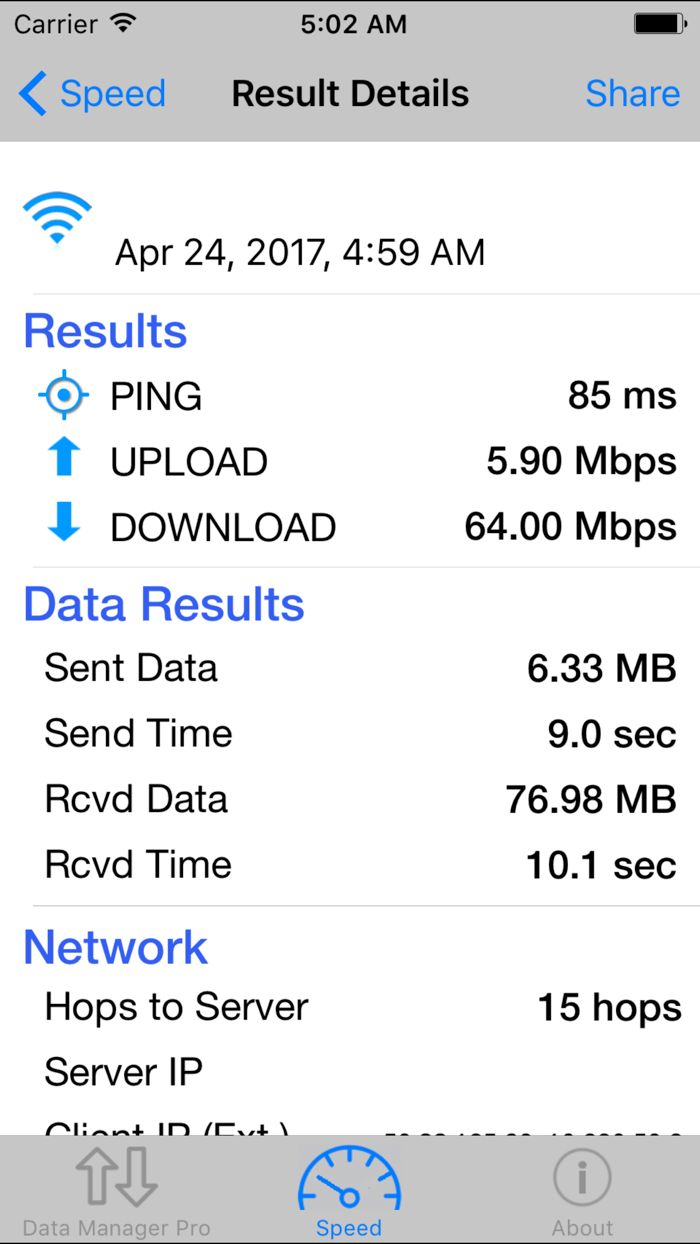
Speed Check Features: – Simple, one button tap performs (or cancels) the tests. – Simple, easy-to-read tracking and reporting. – Testing features download rate, upload rate and latency (response) time. - Includes the number of hops/gateways between the mobile client and the server (Trace Route). - Works on either Cellular data from any carrier or when connected via WiFi. - Conveniently share results with others via email. - Testing servers located around the world for accurate results. – Unlimited on-the-go testing - mobile speed check.
- Best of all it's FREE!
Data Manager is a must have app for anybody on a restrictive data plan and to verify your network speed! Don't pay those expensive overage charges again.


 +100宝石


 分享
分享









用户评价
立即分享产品体验
你的真实体验,为其他用户提供宝贵参考
💎 分享获得宝石
【分享体验 · 获得宝石 · 增加抽奖机会】
将你的产品体验分享给更多人,获得更多宝石奖励!
💎 宝石奖励
每当有用户点击你分享的体验链接并点赞"对我有用",你将获得:
🔗 如何分享
复制下方专属链接,分享到社交媒体、群聊或好友:
💡 小贴士
分享时可以添加你的个人推荐语,让更多人了解这款产品的优点!
示例分享文案:
"推荐一款我最近体验过的应用,界面设计很精美,功能也很实用。有兴趣的朋友可以看看我的详细体验评价~"
关注 Mergeek 公众号
领奖遇到问题?联系小门助手