产品功能

应用市场介绍

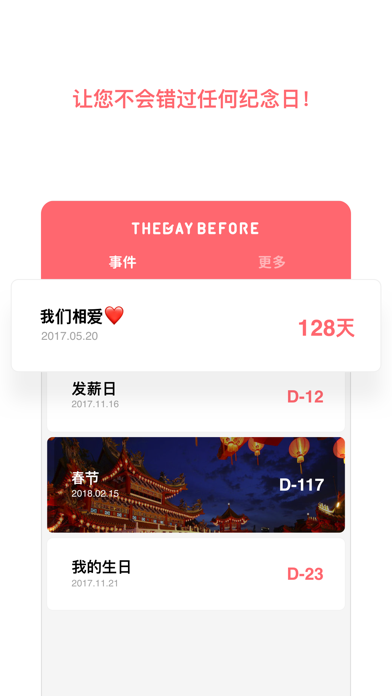
Do you have important days like anniversaries with your lover, birthdays of your family members, important exams, interviews, etc. that you don't want to miss? Manage them easily on THE DAY BEFORE!

■ Customized calculation methods for suitable situations
The most popular and convenient D-Day APP!
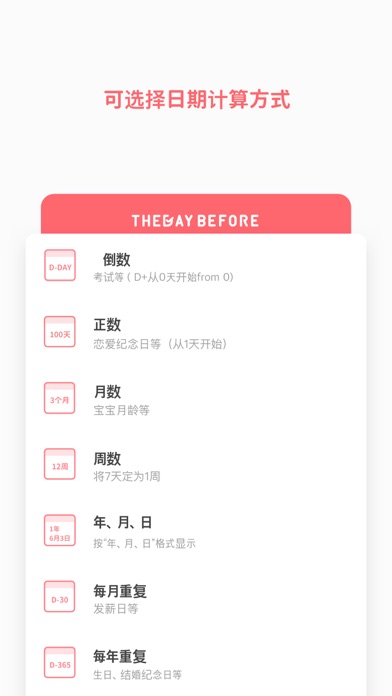
Not only for basic D-Day, but also for repeated calculations by year, month, and week. It's also very convenient to calculate the number of months of a baby.
* Various calculation methods *
D-Day / Date number / Month number / Week number / Year, month, day / Repeated monthly / Repeated annually / Repeated weekly / Couple / Birthday / Exam / Weight loss / Christmas / Smoking cessation / Travel /
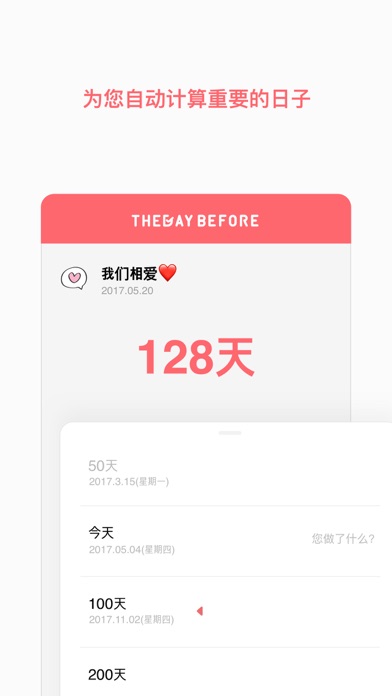
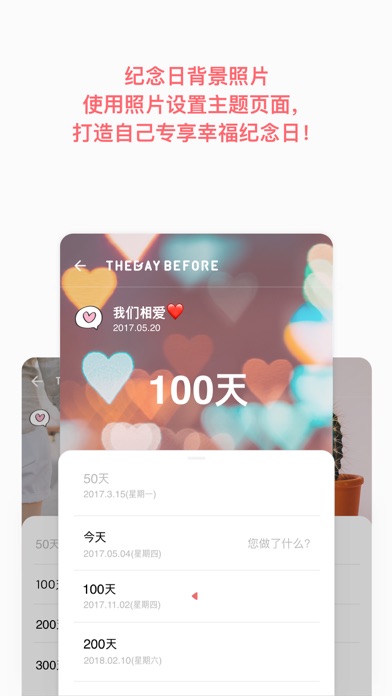
- Manage your schedule easily with a list of anniversaries automatically calculated in units of 100 days.
- Reminder functions on Day 7, 3, 5, 1 and the day itself, so you won't miss an important day.

■ Personalized D-Day
- Stickers, background effects, background colors, fonts, text colors, borders, etc.
- Just like the decoration, it can be seen on the main screen Wiget.
- Decorate your phone with Wiget sizes of various designs.

■ Stories left by date
- Please leave records of precious days.
- You can upload 10 photos for one story.
- You can record memories such as weight loss diaries, exam preparations, and children's growth diaries.

■ Anniversaries with others, sharing function
- You can share D-Day with friends and family.
- You can save the beautifully decorated D-Day as a picture.

■ Organize by category! Grouping function
- Combine similar activities and manage them easily through the group setting function.
- Group sharing and in-group sorting can also be carried out.
With THE DAY BEFORE, you won't miss precious moments in your busy daily life.
My D-Day, THE DAY BEFORE

* How to set the main screen Wiget *
1. Long press on the blank area of the iPhone home screen.
2. Press the + button in the upper corner.
3. Select THE DAY BEFORE from the list.
4. After selecting the Wiget, click "Add Wiget" at the bottom.
5. Long press the Wiget and select "Edit Wiget".
6. Click "Select D-Day" and choose the D-Day you want to display in the Wiget.
-------------------
* Picture / Media / File permissions
This will be used to load and save photos.
* For consultations on APP errors and abnormal behaviors, contact help@thedaybefore.kr.

收起

用户评价

立即分享产品体验

你的真实体验,为其他用户提供宝贵参考

宝石
评论可得 100 宝石
宝石随心兑换应用高级会员,每周更新 前往查看 >>
活动动态 0 人参加
查看更多评论