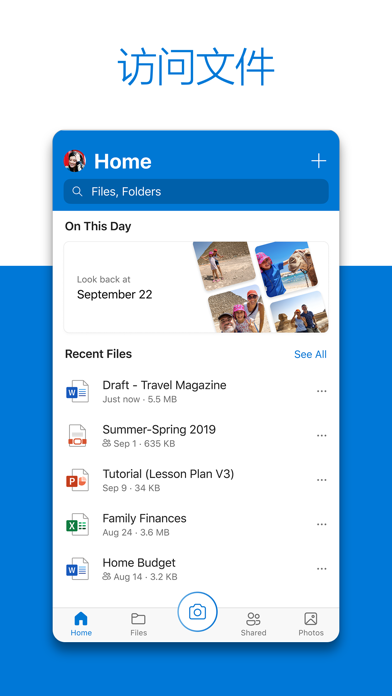
Microsoft OneDrive can backup, protect, sync, and access your photos and files across all devices. With the OneDrive app, you can view and share OneDrive files, documents, photos, and videos with friends and family. You can use the app to automatically backup the photos and videos on your phone. Start with 5 GB of free cloud storage, or upgrade to a Microsoft 365 subscription to get 1 TB of storage space.
Microsoft OneDrive offers the following features:
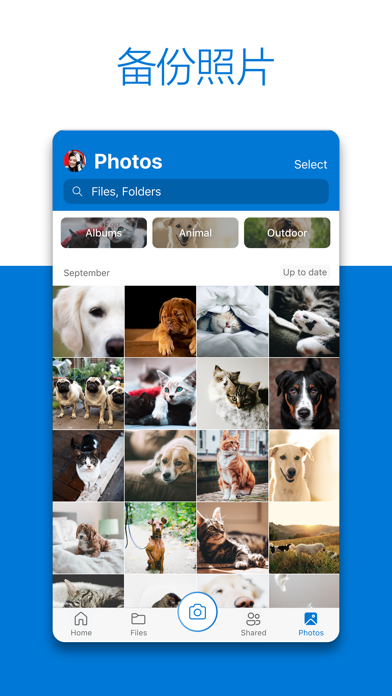
Backup photos and videos
• Automatically backup photos and videos when "Camera Upload" is turned on
• View photos from your phone, computer, or online
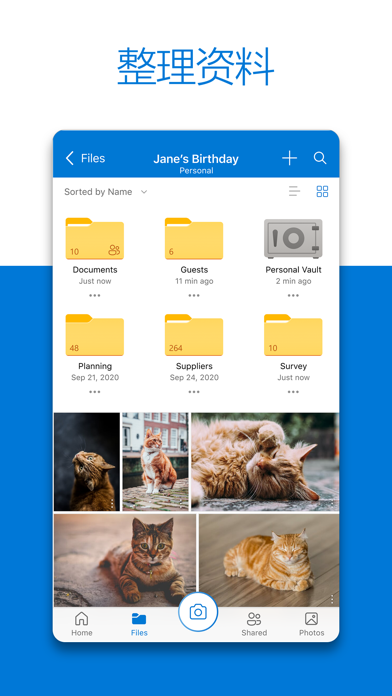
File sharing and management
• Share documents, photos, videos, and albums with friends and family
• Get notified when a shared document is edited
• Set password-protected or expiring shared links*
• Access entire folders on the app without being online*
Scan
• Scan documents, business cards, receipts, whiteboards, etc.
• Mark, sign, and send documents directly from the OneDrive mobile app
Search
• Search for documents by name or content
Security
• Personal Vault allows you to protect important files with authentication
• Restore documents with version history on all files
• Ransomware detection and recovery*
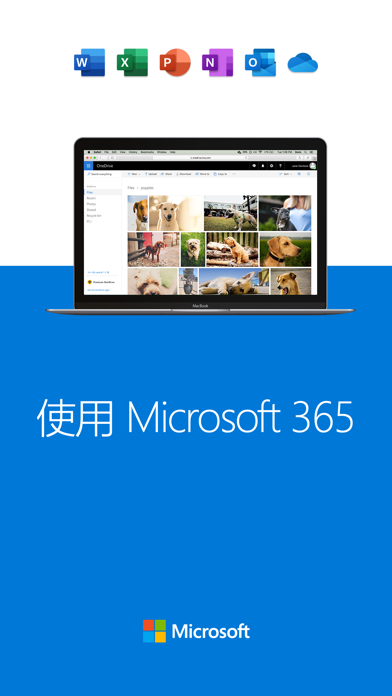
Use Microsoft Word, Excel, PowerPoint, OneNote, Outlook
• Backup, view, and save your Office documents.
• Use Microsoft Office apps to edit and collaborate on Word, Excel, PowerPoint, and OneNote files stored in OneDrive in real time.
Upgrade to a Microsoft 365 subscription
With a Microsoft 365 Personal subscription, you can get 1TB of storage space on iPad, iPhone, and iPod touch (for Family subscriptions, up to 6 users can each get 1TB of storage space), OneDrive premium features, and access to all features in Word, Excel, PowerPoint, Outlook, and OneNote. You can also install Word, Excel, PowerPoint, and Outlook on your computer or Mac.
To purchase a Microsoft 365 Personal or Family subscription within the app: Open the app, tap the "Me" tab, and then tap your storage or diamond icon.
In the US, the subscription starts at $6.99 per month and may vary by region. The cost of purchasing a Microsoft 365 subscription and OneDrive standalone subscription from this app will be charged to your iTunes account and will automatically renew within 24 hours before the end of the current subscription period unless you disable auto-renewal in advance.
After purchase, to manage your subscription or disable auto-renewal, go to your iTunes account settings. You cannot cancel your subscription or get a refund during an active subscription period.
Use this OneDrive app for work or school
To sign in to your work or school account on OneDrive, your organization needs to have an eligible OneDrive, SharePoint Online, or Microsoft 365 Business subscription plan.
Privacy
This app is provided by Microsoft. Microsoft may access the data provided through the use of this store and the app, and this data may be transferred, stored, and processed in the US or any other country where Microsoft or its affiliates maintain facilities.
*Requires a Microsoft 365 Personal or Family subscription


 +100宝石

 分享
分享











用户评价
立即分享产品体验
你的真实体验,为其他用户提供宝贵参考
💎 分享获得宝石
【分享体验 · 获得宝石 · 增加抽奖机会】
将你的产品体验分享给更多人,获得更多宝石奖励!
💎 宝石奖励
每当有用户点击你分享的体验链接并点赞"对我有用",你将获得:
🔗 如何分享
复制下方专属链接,分享到社交媒体、群聊或好友:
💡 小贴士
分享时可以添加你的个人推荐语,让更多人了解这款产品的优点!
示例分享文案:
"推荐一款我最近体验过的应用,界面设计很精美,功能也很实用。有兴趣的朋友可以看看我的详细体验评价~"
关注 Mergeek 公众号
领奖遇到问题?联系小门助手