Plytra is the all-in-one toolkit for your PDFs and images, designed for iPhone and iPad.
100% local: no file ever leaves your device.
— WHY PLYTRA —
• Total privacy: everything stays on your device
• No subscription, no account, no ads, no tracking
• Clean, fast, and elegant interface
• 15 languages (FR, EN, ES, IT, DE, PT, NL, AR, RU, ZH, JA, HI, CS, HU…)
• Dark / light mode, customizable typography
— PDF TOOLS —
• Scan paper documents with automatic edge detection (Apple Vision) and perspective correction
• Image → PDF: import multiple photos, rearrange, export
• Merge multiple PDFs into one
• Split a PDF (extract pages)
• Reorder pages with drag & drop
• Compress a PDF for email sharing
• Convert PDF to JPG / PNG
• Add a text watermark (position, color, opacity)
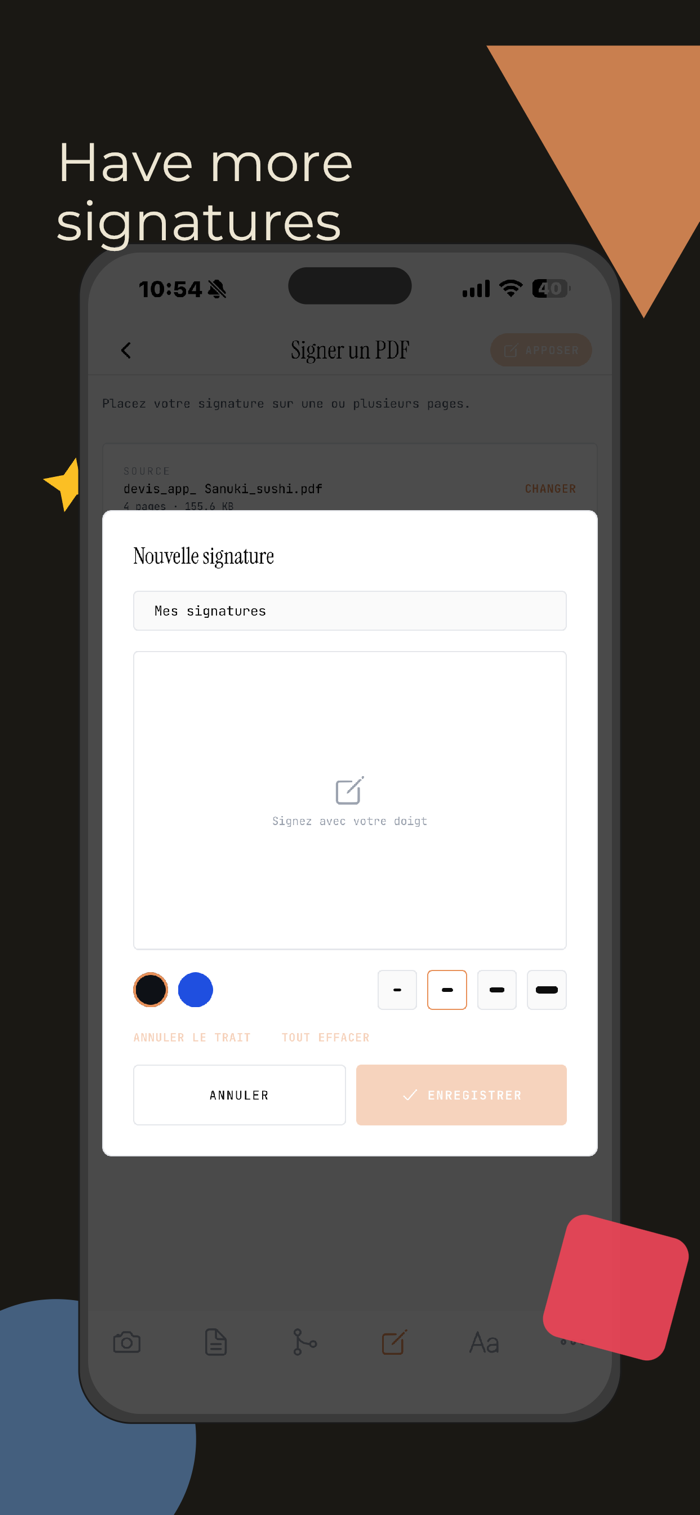
• Sign PDFs (reusable signature library)
• Protect PDFs with a password (viewing, printing, copying, editing)
— IMAGE TOOLS —
• Resize (width, height, %)
• Crop (free, 1:1, 4:5, 16:9, 9:16, 4:3, 3:2)
• Compress (adjustable JPEG quality)
• Convert between PNG, JPG, WebP, HEIC, PDF, ICO, GIF, SVG
• Compare two images side by side
• Add a text watermark
— MORE —
• Create animated GIFs from images
• Convert images to Windows icons (multi-size ICO)
• Vectorize images to SVG
• QR code and barcode scanner
— PRIVACY FIRST —
Your documents (invoices, contracts, IDs, medical...


 +100宝石

 分享
分享
















用户评价
立即分享产品体验
你的真实体验,为其他用户提供宝贵参考
💎 分享获得宝石
【分享体验 · 获得宝石 · 增加抽奖机会】
将你的产品体验分享给更多人,获得更多宝石奖励!
💎 宝石奖励
每当有用户点击你分享的体验链接并点赞"对我有用",你将获得:
🔗 如何分享
复制下方专属链接,分享到社交媒体、群聊或好友:
💡 小贴士
分享时可以添加你的个人推荐语,让更多人了解这款产品的优点!
示例分享文案:
"推荐一款我最近体验过的应用,界面设计很精美,功能也很实用。有兴趣的朋友可以看看我的详细体验评价~"
关注 Mergeek 公众号
领奖遇到问题?联系小门助手