Keep your Mac or Windows interface active, responsive, and ready - automatically.
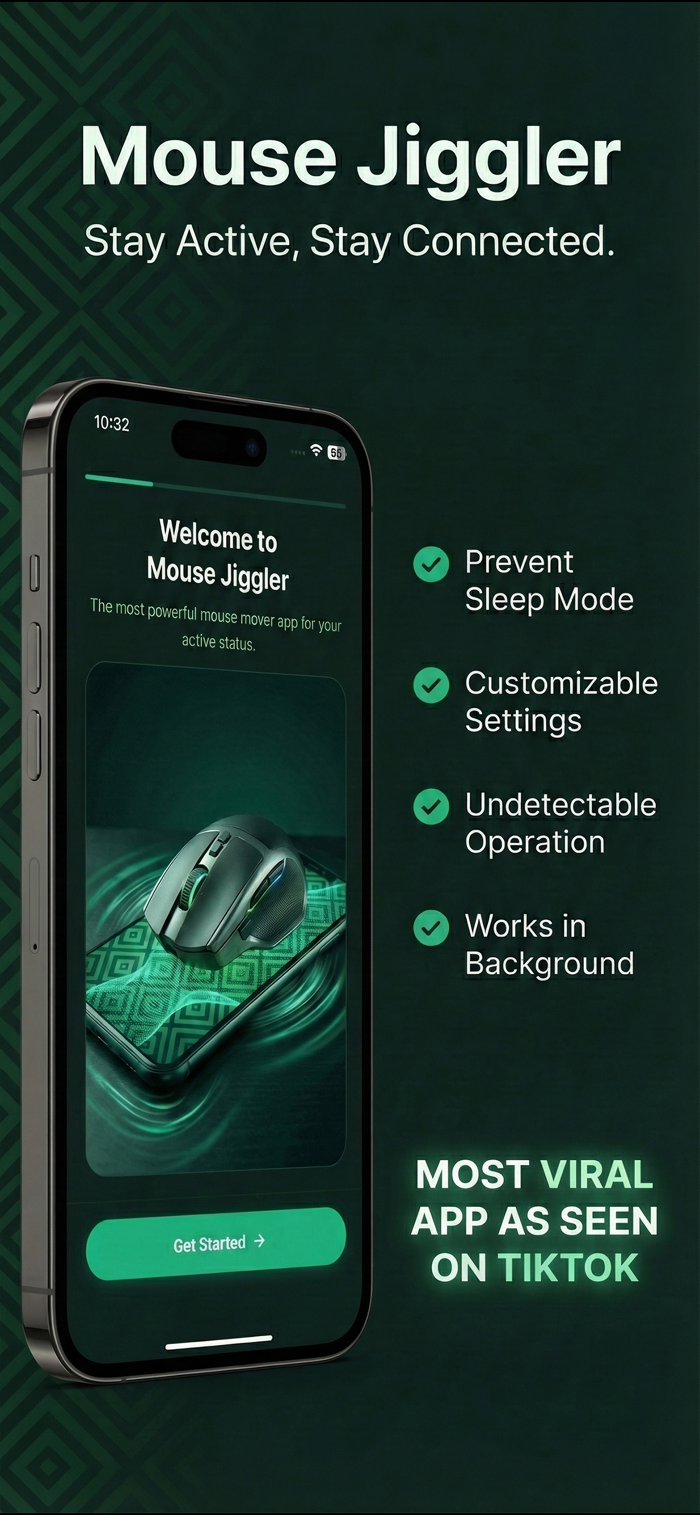
Mouse Jiggler is a lightweight and precise utility that subtly simulates mouse movement to maintain system activity and prevent idle states. Ideal for automation workflows, UI testing, and screen recording setups, Mouse Jiggler ensures your system never pauses when it matters most.
Whether you're running automated test scripts, recording tutorials, or maintaining an active remote session, Mouse Jiggler helps keep your cursor (and your focus) exactly where you need it — without requiring admin access or modifying system settings.
Key Features
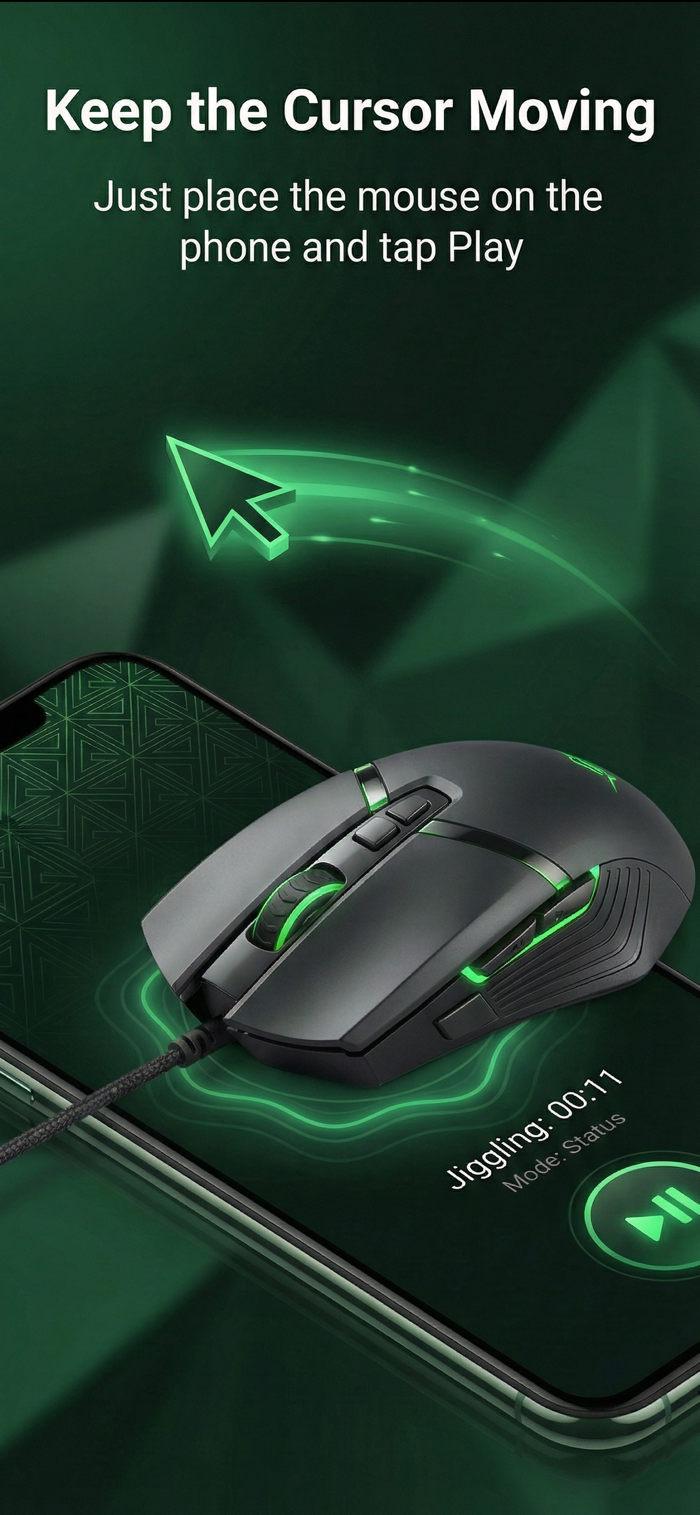
• Simulated Mouse Input — Generates subtle cursor movement to prevent screen sleep or inactivity.
• Automation & Testing Support — Keep UI states stable during demos, recordings, or automated runs.
• Accessibility-Friendly Design — Supports users who require constant cursor presence for visual tracking or workflow continuity.
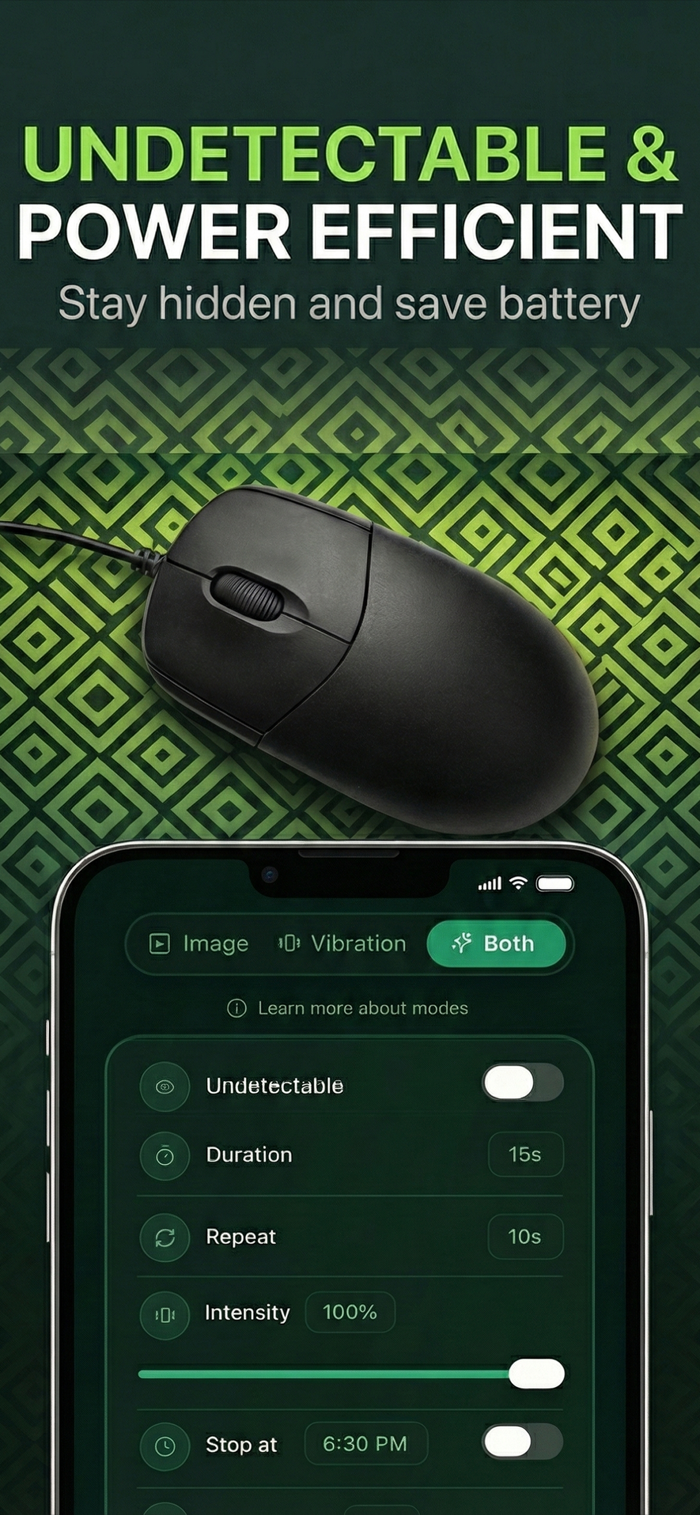
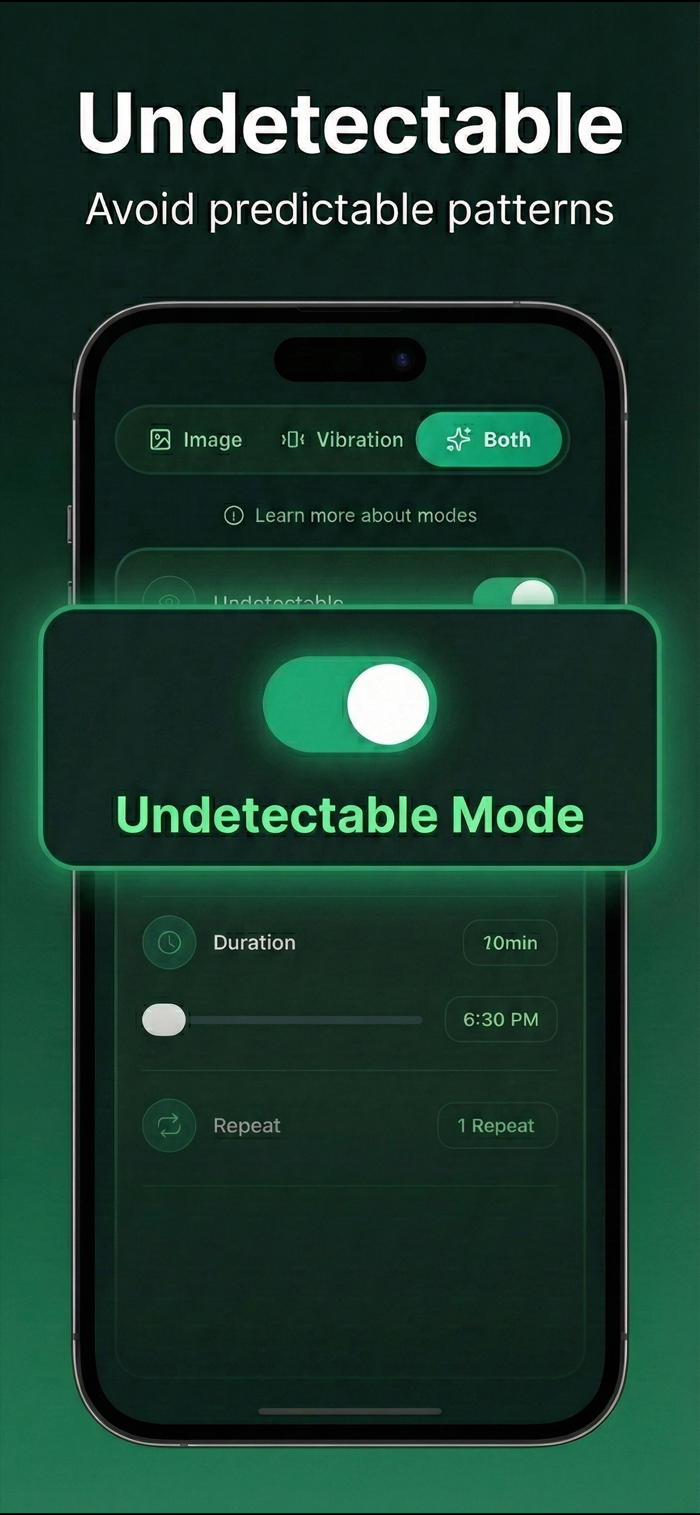
• Custom Movement Modes — Choose between different jiggle styles, speeds, and silent modes.
• Smart Auto-Stop Options — Automatically pause based on timer, battery, or system state.
• Lightweight & Efficient — Runs quietly in the background with minimal resource use.
• Universal Compatibility — Works seamlessly with all standard input devices including mice, touchpads, and trackballs.
Privacy & Security
Mouse Jiggler requires Accessibility permissions only to perform mouse move...

 +100宝石


 分享
分享




















用户评价
立即分享产品体验
你的真实体验,为其他用户提供宝贵参考
💎 分享获得宝石
【分享体验 · 获得宝石 · 增加抽奖机会】
将你的产品体验分享给更多人,获得更多宝石奖励!
💎 宝石奖励
每当有用户点击你分享的体验链接并点赞"对我有用",你将获得:
🔗 如何分享
复制下方专属链接,分享到社交媒体、群聊或好友:
💡 小贴士
分享时可以添加你的个人推荐语,让更多人了解这款产品的优点!
示例分享文案:
"推荐一款我最近体验过的应用,界面设计很精美,功能也很实用。有兴趣的朋友可以看看我的详细体验评价~"
领取结果