PDF Compressor: Scan & Edit
Compress your PDFs, save disk space, and speed up uploads and downloads or sharing without losing quality with PDF Compressor: Scan & Edit.
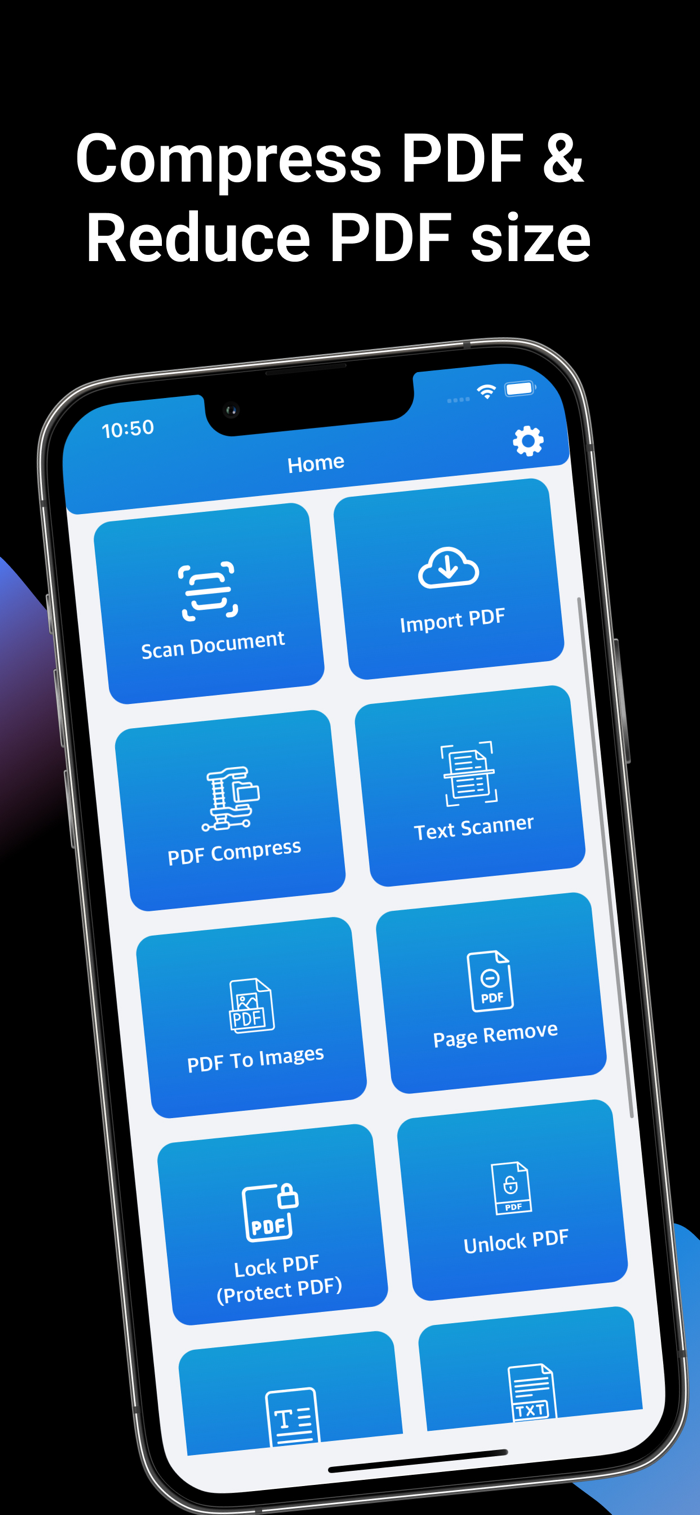
Compress, scan, and edit PDF files instantly — all offline!
PDF Compressor: Scan & Edit is the fastest, easiest, and most powerful PDF tool for help you. Reduce file size, convert images to PDFs, extract text with OCR, add watermarks, sign documents, and more — all with just a few taps.
Features:
- Compress PDF file
- Save Compress PDF file
- Share Compress PDF file
- Scan Document to PDF file
- Protect PDFs with Watermarks
- Apply an E-Signature to PDF Files
- Images To PDF
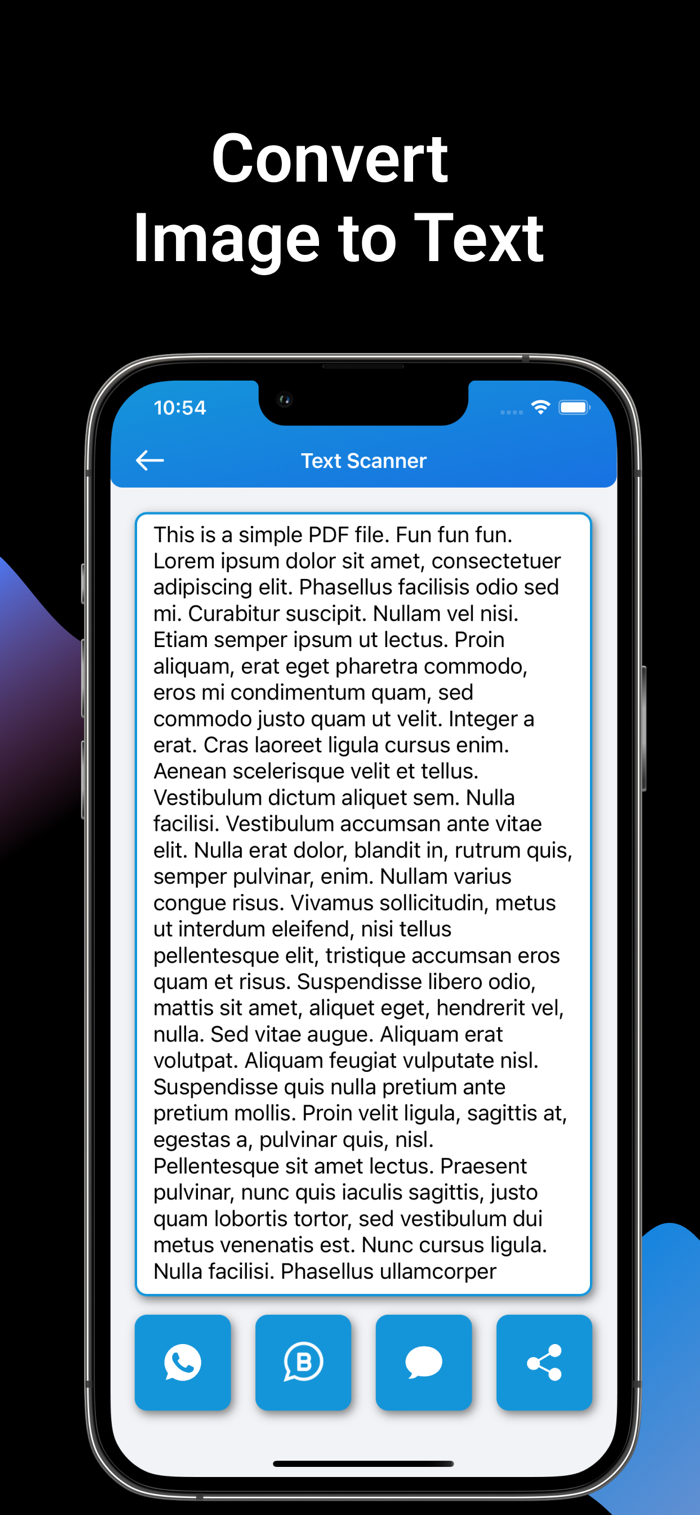
- Image To Text
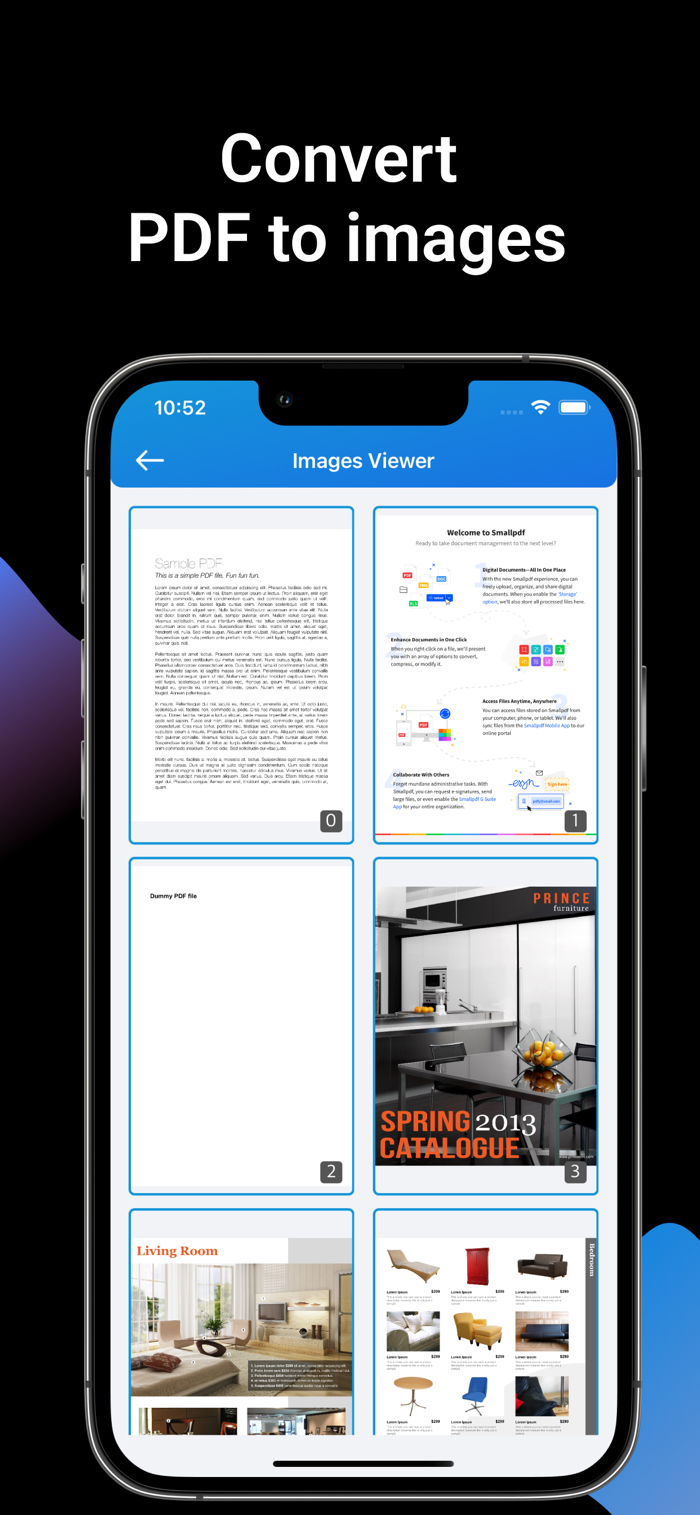
- PDF To Images
- PDF Page Remove
- PDF Lock
- PDF Unlock
- PDF To Text
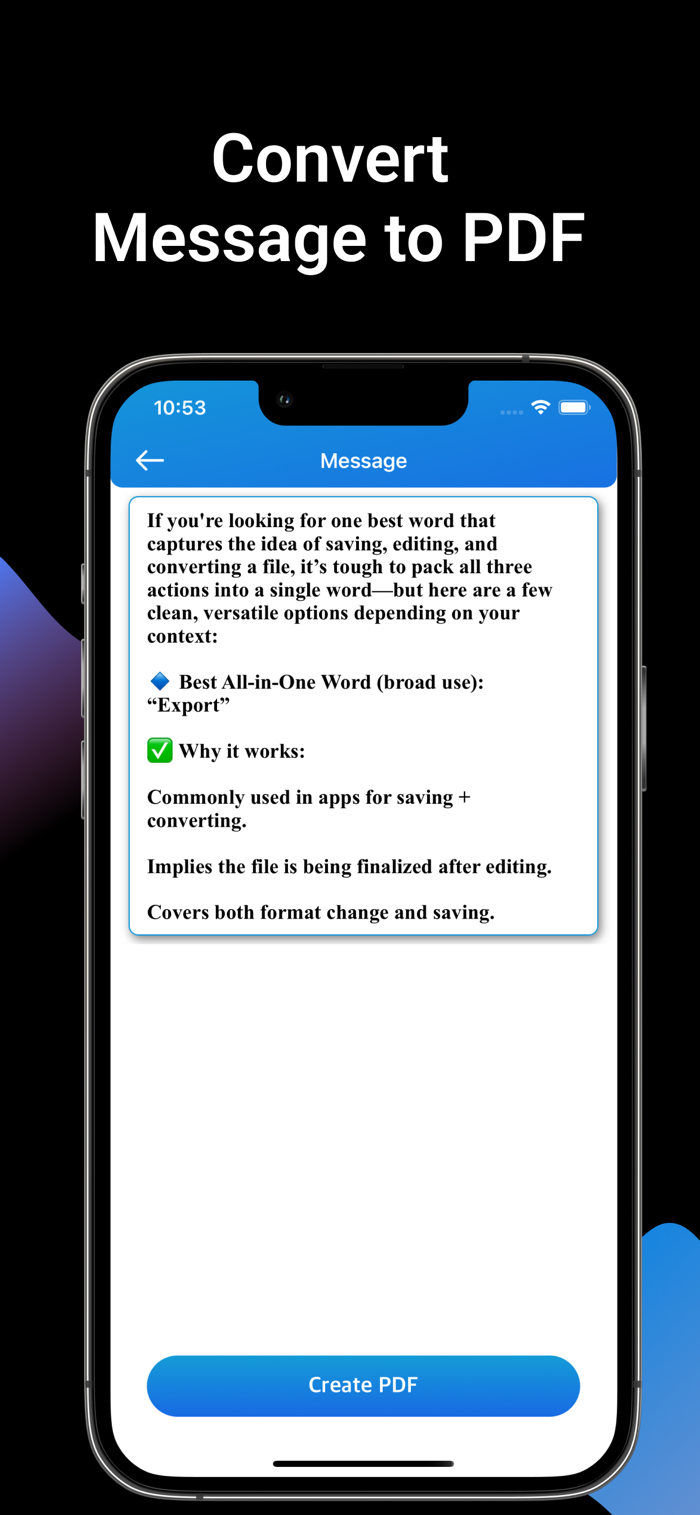
- Text To PDF
- Add Page Number
• Images to PDF Converter
Quickly combine your images into a single, high-quality PDF.
• Smart Photo to PDF
Convert images to PDFs with advanced tools like rotation, filters, and more.
• PDF Compression
Reduce PDF size with adjustable quality (High, Medium, Low) for faster sharing and storage savings.
• Text Recognition (OCR)
Extract text from images or scanned PDFs into editable, searchable content.
• Add Watermark
Insert custom text watermarks with control over font, size, and color.
• Add eSign
Sign PDFs electronically—draw or type your signature and place it anywhere.
• Extract Images from PDFs
Easily pull all images from any PDF file.
• Lock & Unlock PDFs
Add or remove passwords to secure your PDF files.
• PDF Page Remover
Delete selected pages and save a clean, new PDF.
• Text to PDF
Convert your written content into a polished PDF document.
• PDF to Image/Text
Export PDFs as high-quality images or editable text.
• Add Page Numbers
Number your PDF pages for easy navigation and a professional look.
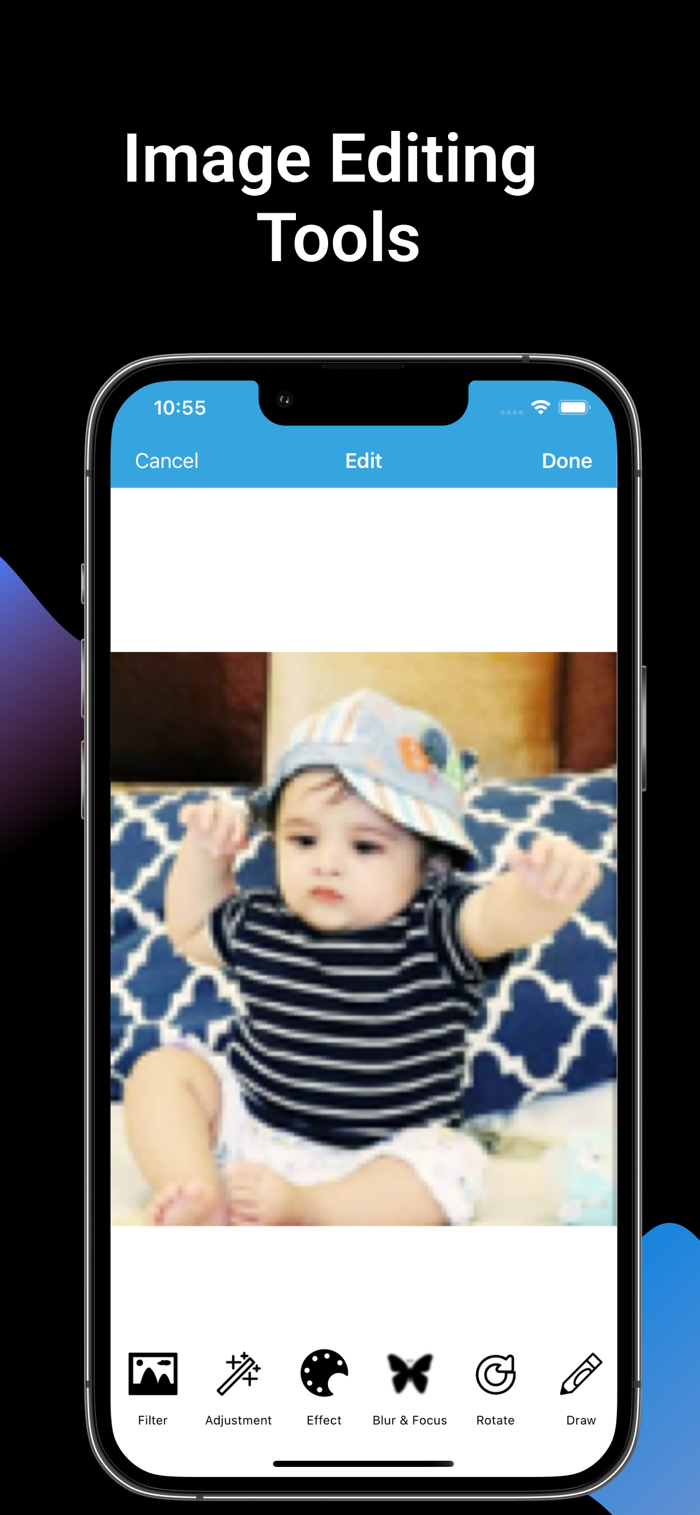
• Bonus Photo Editing Tools
Crop, rotate, resize, and adjust images
Add filters, blur, and text overlays
Draw, write, and add stickers
• Why Choose PDF Compressor: Scan & Edit?
All-in-one PDF toolkit for scanning, compressing, and editing
Minimalist interface for fast, simple use
Works completely offline — no internet required
Perfect for students, professionals, and anyone managing PDFs
• Perfect For
Students compressing notes or assignments
Professionals sharing contracts or scanned docs
Anyone looking to save storage and manage documents efficiently
Subscription Info
PDF Compressor: Scan & Edit offers an auto-renewing weekly, monthly and one time purchase subscription. Payment will be charged to your iTunes Account on confirmation of purchase. Your subscription will automatically renew unless auto-renew is turned off at least 24 hours prior to the end of the current period. You may manage your subscriptions and turn off auto-renewal in your iTunes Account Settings after purchase. Any unused portion of free trail period, if offered, will be forfeited when you purchase a subscription, where applicable.
Download PDF Compressor: Scan & Edit today and simplify your PDF workflow!
Privacy Policy: https://sites.google.com/view/developer-info/privacy-policy
Terms of use: https://sites.google.com/view/developer-info/terms-of-use

 +100宝石


 分享
分享


























用户评价
立即分享产品体验
你的真实体验,为其他用户提供宝贵参考
💎 分享获得宝石
【分享体验 · 获得宝石 · 增加抽奖机会】
将你的产品体验分享给更多人,获得更多宝石奖励!
💎 宝石奖励
每当有用户点击你分享的体验链接并点赞"对我有用",你将获得:
🔗 如何分享
复制下方专属链接,分享到社交媒体、群聊或好友:
💡 小贴士
分享时可以添加你的个人推荐语,让更多人了解这款产品的优点!
示例分享文案:
"推荐一款我最近体验过的应用,界面设计很精美,功能也很实用。有兴趣的朋友可以看看我的详细体验评价~"
领取结果