iKontroller transforms your iPhone and iPad into the perfect controller for your Mac.
How does iKontroller achieve this?
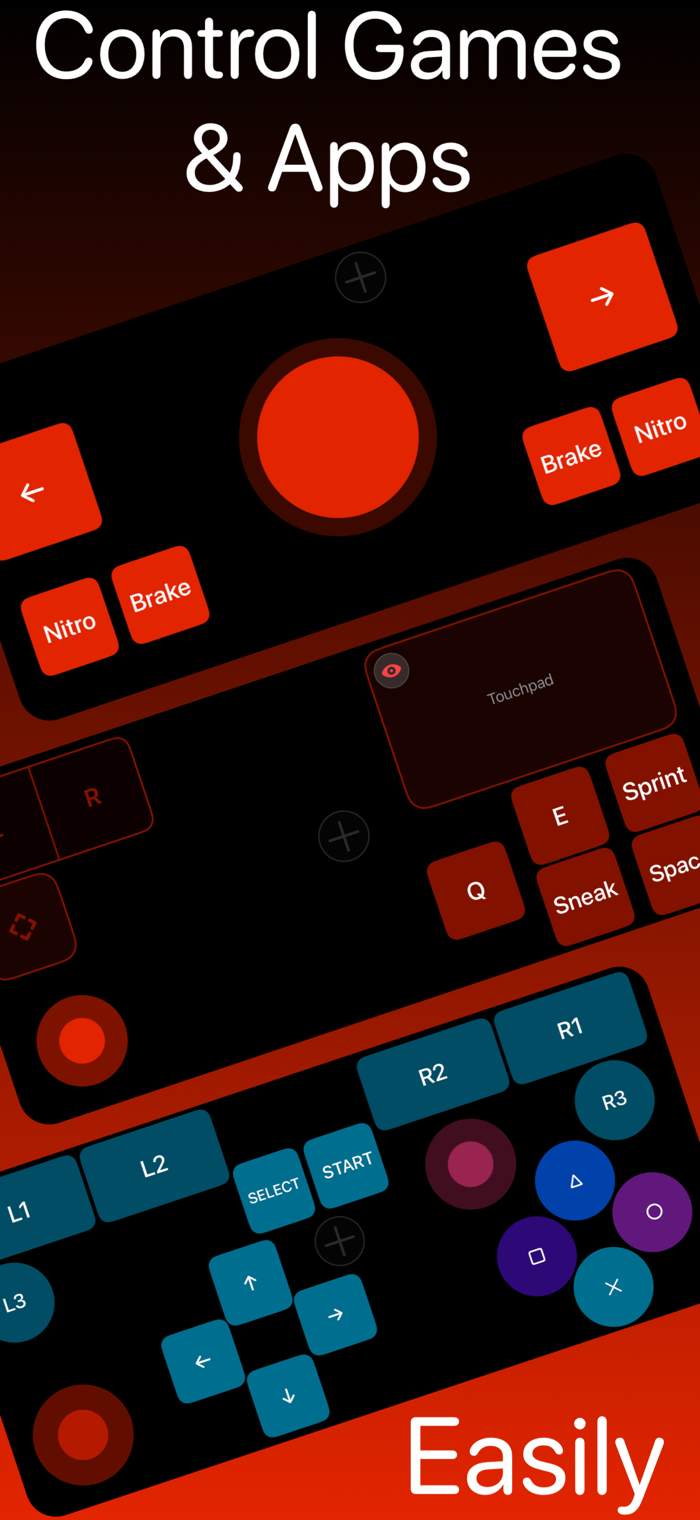
• Touchpad
High-precision touchpad with relative and absolute modes. Relative mode is used in games to move the camera around. Absolute mode is used to move your cursor around.
• Left region & Right region / Combined Left & Right region
Left region allows you to perform the left single click, double/triple click and long press.
Right region allows you to perform the right single click, double/triple click and long press.
• Scroll region
It allows you to scroll vertically or horizontally.
• Button
You can map a button to a specific key on your keyboard. Once mapped, pressing that button will trigger the corresponding key on your Mac.
• Joystick
You can map a joystick to 4 specific keys on your keyboard. Once mapped, moving the joystick in any direction will trigger the corresponding key(s) on your Mac.
• Gyrostick
You can map a gyrostick to 4 specific keys on your keyboard. Once mapped, tilting and rotating your device in any direction will trigger the corresponding key(s) on your Mac.
How does iKontroller connect to my Mac?
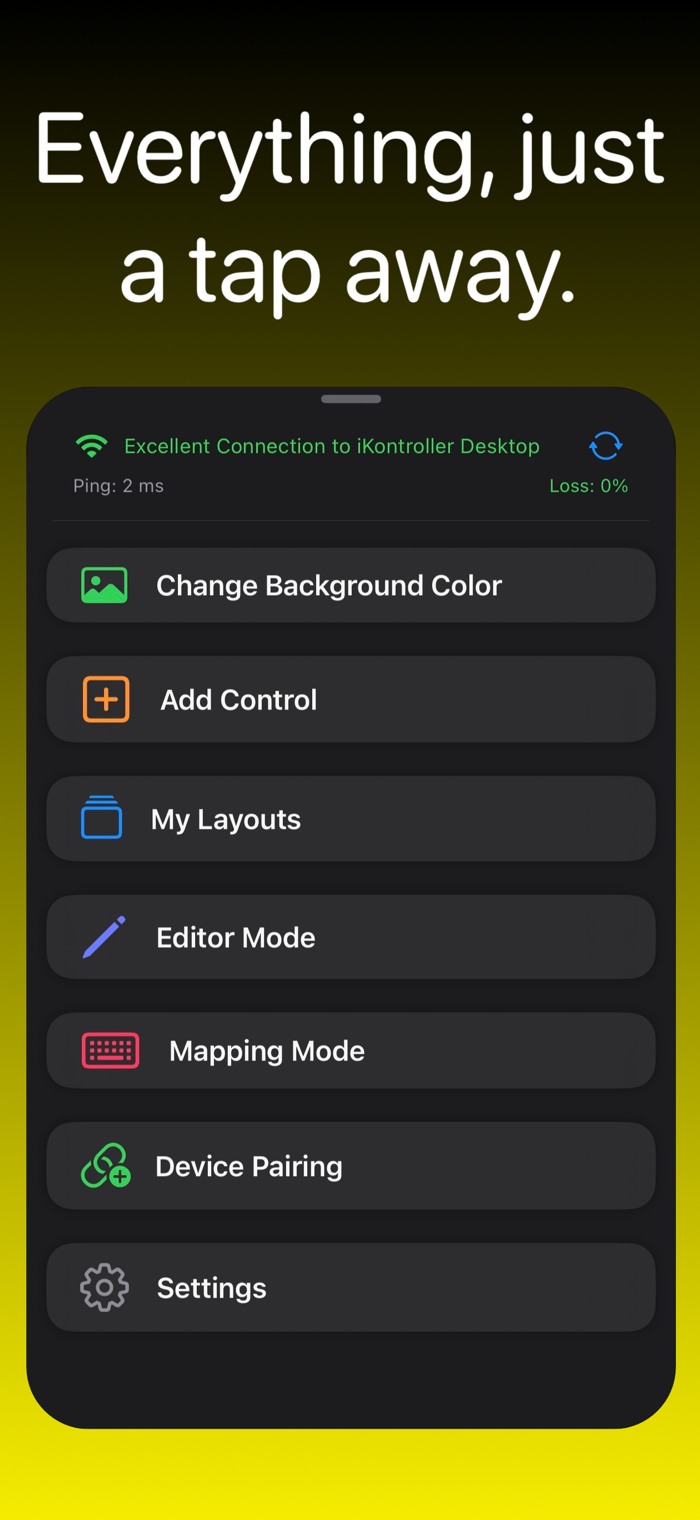
• Wi-Fi network, Cellular network, USB-C cable or Lightning cable
What does iKontroller require?
• Local network permission
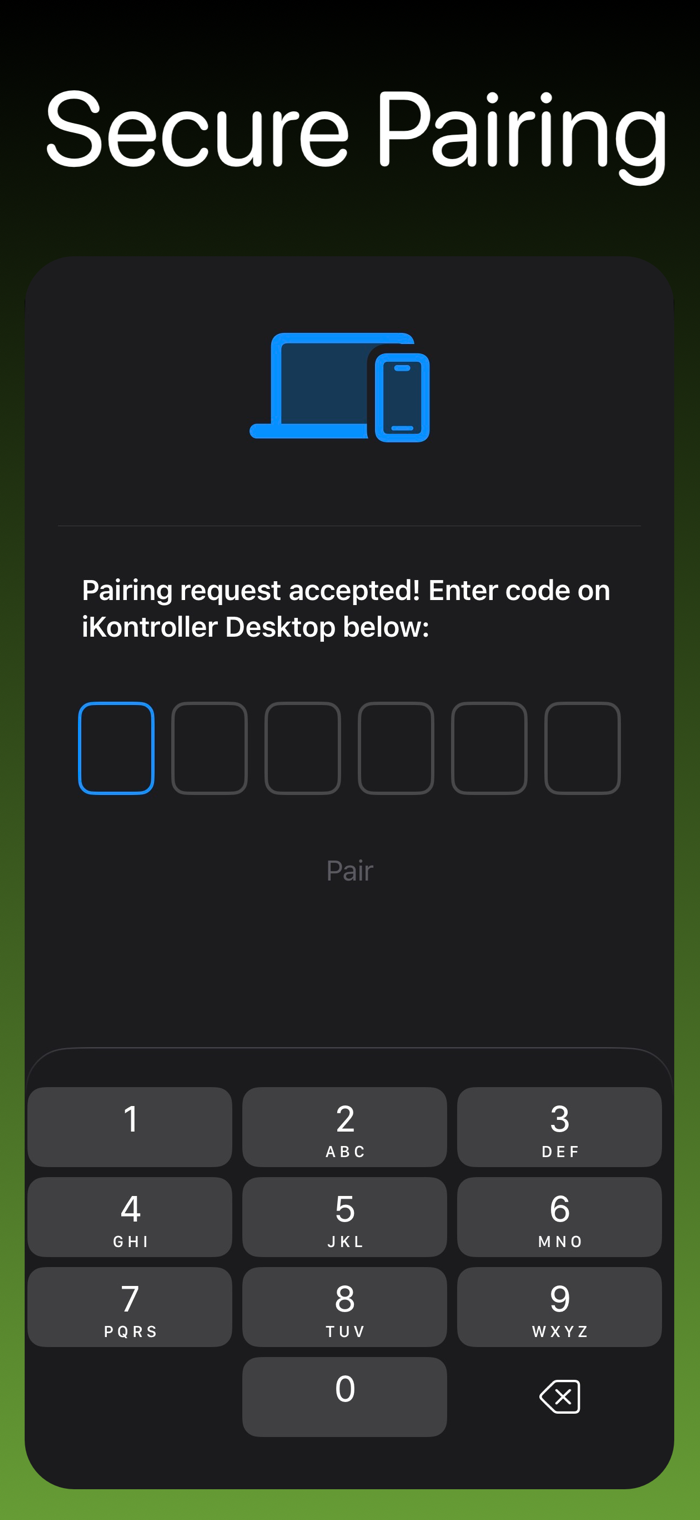
• The companion app named „iKontroller Desktop“ on your Mac. App Store link: https://apps.apple.com/us/ap...

 +100宝石


 分享
分享


















用户评价
立即分享产品体验
你的真实体验,为其他用户提供宝贵参考
💎 分享获得宝石
【分享体验 · 获得宝石 · 增加抽奖机会】
将你的产品体验分享给更多人,获得更多宝石奖励!
💎 宝石奖励
每当有用户点击你分享的体验链接并点赞"对我有用",你将获得:
🔗 如何分享
复制下方专属链接,分享到社交媒体、群聊或好友:
💡 小贴士
分享时可以添加你的个人推荐语,让更多人了解这款产品的优点!
示例分享文案:
"推荐一款我最近体验过的应用,界面设计很精美,功能也很实用。有兴趣的朋友可以看看我的详细体验评价~"
领取结果