Markdown is everywhere now.
It is in coding-agent plans, AI-generated research notes, README files, study guides, project specs, lecture material, technical drafts, and the surprisingly long “quick summary” an AI tool gave you at 1:13 a.m.
Markdown My Words gives those documents a calmer place to live than a chat window.
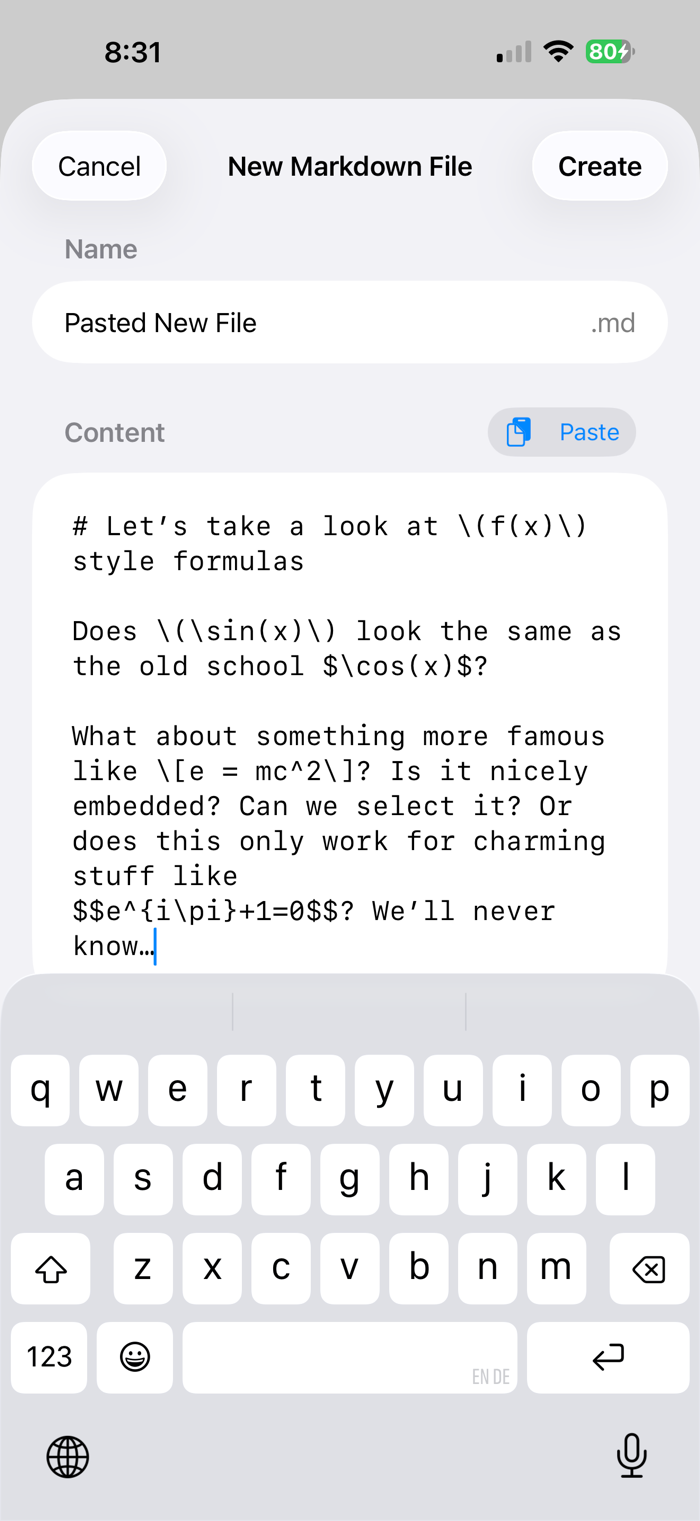
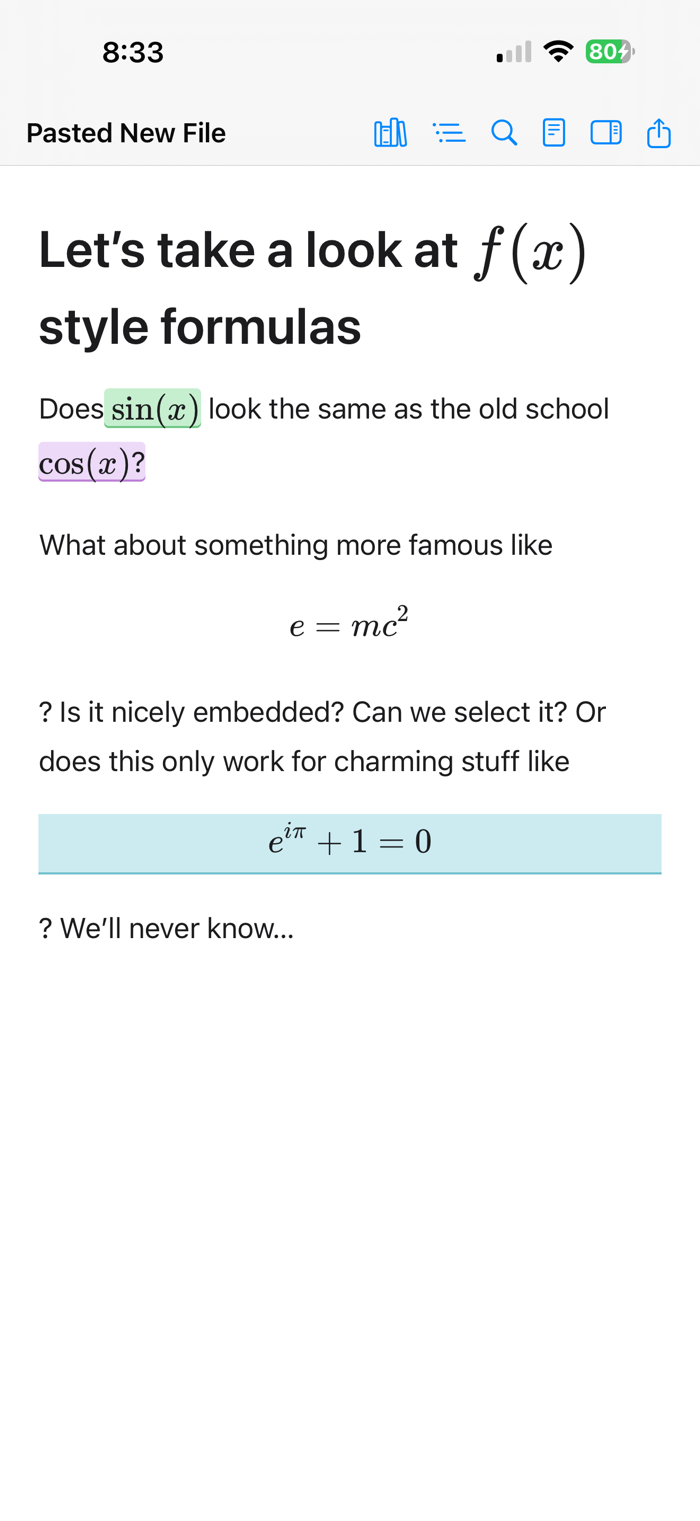
Open a folder of Markdown files, read them in a clean rendered view, highlight the passages that matter, and leave yourself precise notes. When you are done, export your comments as Markdown, TSV, CSV, or an annotated copy of the document.
Your original file stays clean. Your thoughts stay attached.
WHAT YOU CAN DO
• Read Markdown in a quiet, comfortable layout
• Navigate long documents with an automatic outline
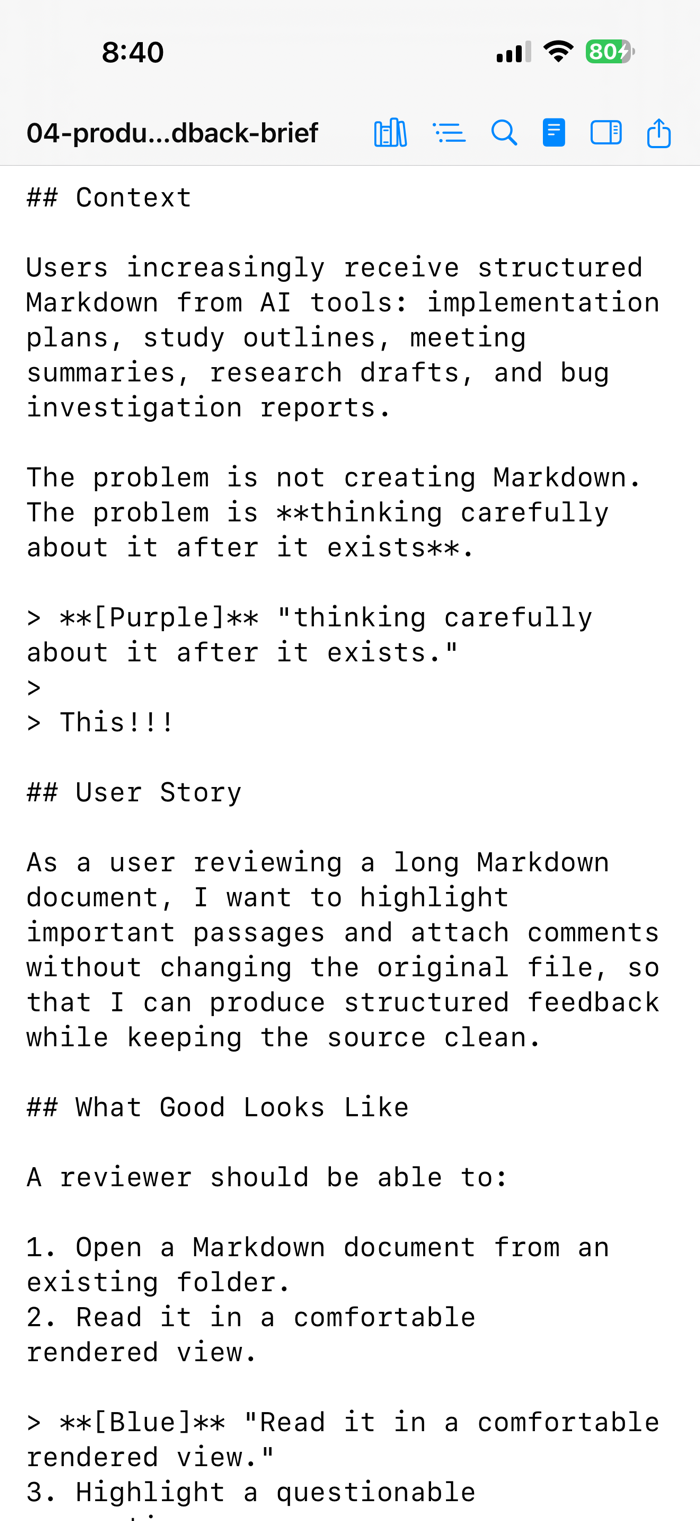
• Highlight passages in seven colours
• Add notes to any highlight
• Search and filter your annotations
• Export feedback as Markdown, TSV, CSV, or annotated Markdown
• Toggle source view when you want the raw text
• Keep annotations beside your files as lightweight sidecar data
WHY IT FEELS DIFFERENT
Markdown My Words is built for focused reading, not fiddling.
It works with ordinary .md files in folders you choose. Your annotations are stored separately, so the source document stays untouched and portable.
That makes it useful for reviewing AI-generated plans, coding-agent proposals, study notes, research reports, technical docs, and...


 +100宝石

 分享
分享













用户评价
立即分享产品体验
你的真实体验,为其他用户提供宝贵参考
💎 分享获得宝石
【分享体验 · 获得宝石 · 增加抽奖机会】
将你的产品体验分享给更多人,获得更多宝石奖励!
💎 宝石奖励
每当有用户点击你分享的体验链接并点赞"对我有用",你将获得:
🔗 如何分享
复制下方专属链接,分享到社交媒体、群聊或好友:
💡 小贴士
分享时可以添加你的个人推荐语,让更多人了解这款产品的优点!
示例分享文案:
"推荐一款我最近体验过的应用,界面设计很精美,功能也很实用。有兴趣的朋友可以看看我的详细体验评价~"
关注 Mergeek 公众号
领奖遇到问题?联系小门助手