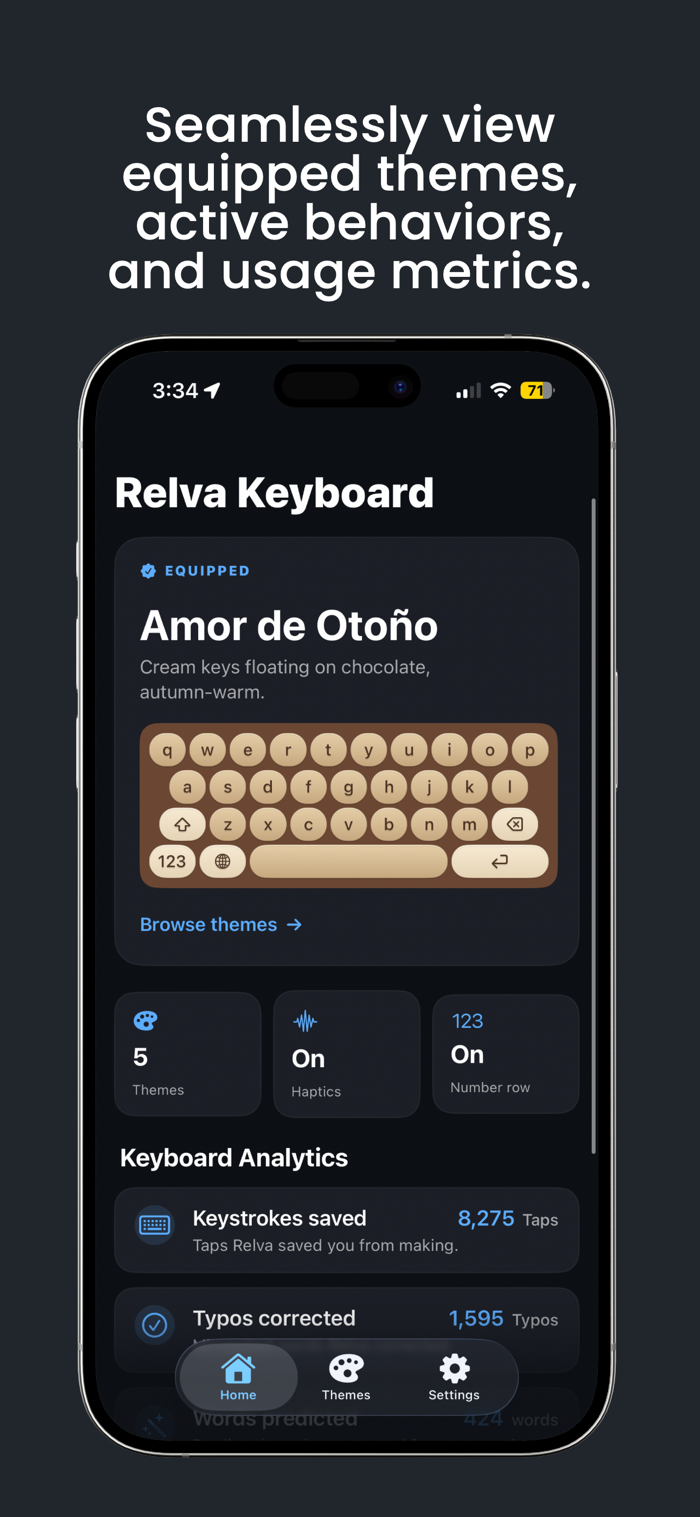
A premium iOS keyboard, built from scratch in Swift. Six curated themes,
predictive typing that learns your style, and a clipboard manager — with
zero tracking, zero network calls, and nothing ever leaving your device.
— SIX CURATED THEMES —
Not color swatches. Full visual identities. Space Black, Keychron Orange,
Stratus, Obsidian, Nickel Dark, and Nickel Light — each with real iOS
backdrop-blur materials, dimensional keycaps, and press animations.
Preview every theme as a live miniature keyboard before you equip it.
— PREDICTIVE TYPING THAT LEARNS YOU —
Four cascading prediction sources merge into three fast, accurate
suggestions: your own bigram history, your frequently-typed words,
a curated high-frequency word list, and Apple's system dictionary
as a long-tail fallback. The more you type, the sharper it gets.
— AUTOCORRECT WITH UNDO —
Autocorrect silently fixes your typos as you go. Hit one wrong?
A single backspace restores the original word instantly — no more
fighting the keyboard to keep what you actually typed.
— CLIPBOARD MANAGER —
Every time you copy text, the keyboard captures it. Browse your
clipboard history, re-copy old snippets, and clear it whenever
you want. All local. All private.
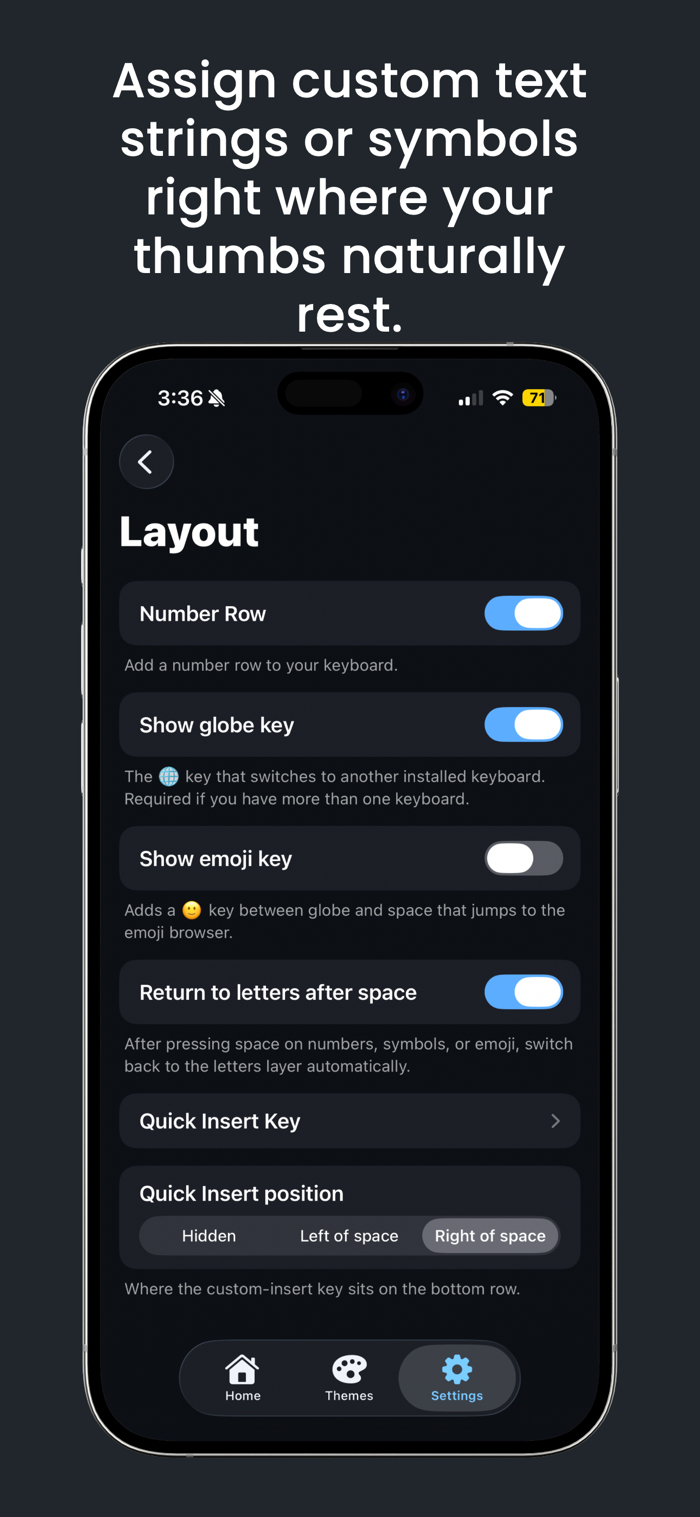
— QUICK INSERT KEY —
Configure a custom key that inserts any text — your email, a signature,
a URL, an emoji run — with an SF...


 +100宝石


 分享
分享














用户评价
立即分享产品体验
你的真实体验,为其他用户提供宝贵参考
💎 分享获得宝石
【分享体验 · 获得宝石 · 增加抽奖机会】
将你的产品体验分享给更多人,获得更多宝石奖励!
💎 宝石奖励
每当有用户点击你分享的体验链接并点赞"对我有用",你将获得:
🔗 如何分享
复制下方专属链接,分享到社交媒体、群聊或好友:
💡 小贴士
分享时可以添加你的个人推荐语,让更多人了解这款产品的优点!
示例分享文案:
"推荐一款我最近体验过的应用,界面设计很精美,功能也很实用。有兴趣的朋友可以看看我的详细体验评价~"
关注 Mergeek 公众号
领奖遇到问题?联系小门助手