Overview
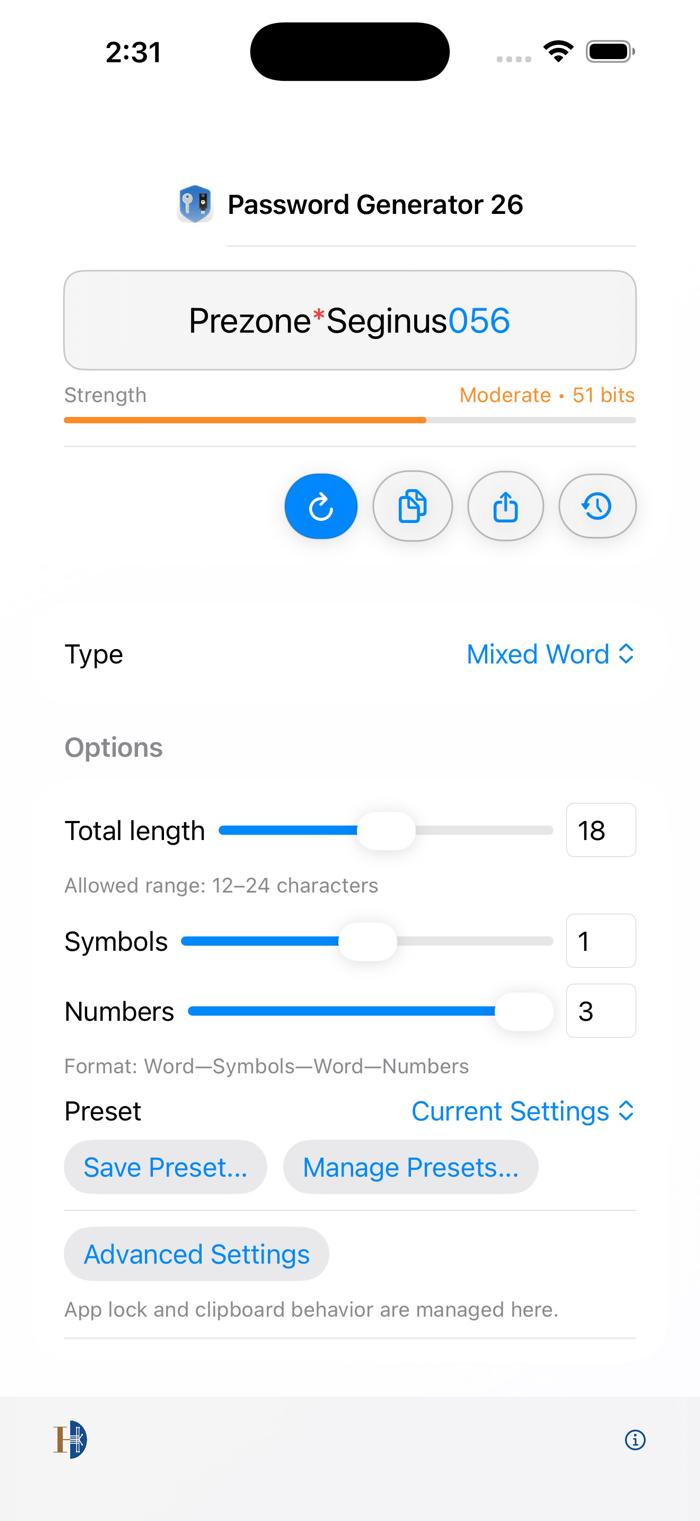
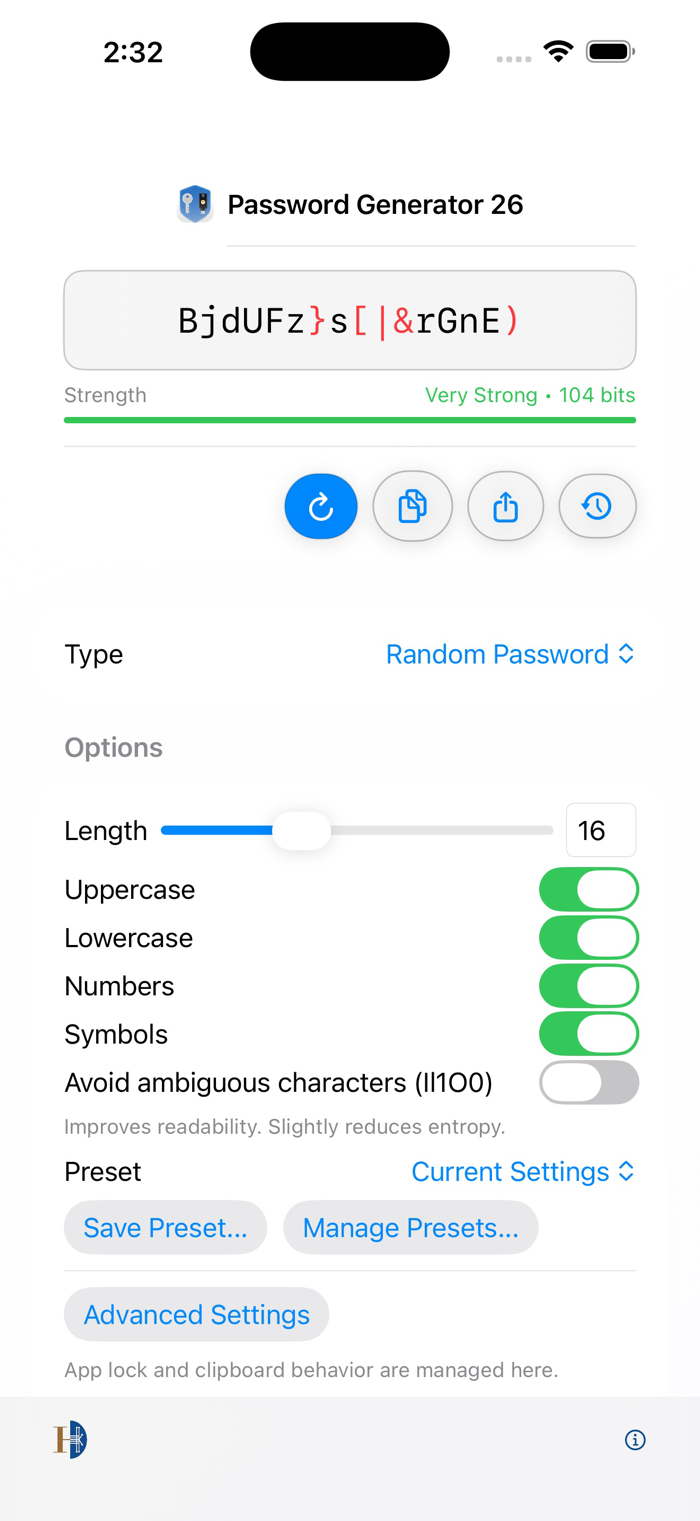
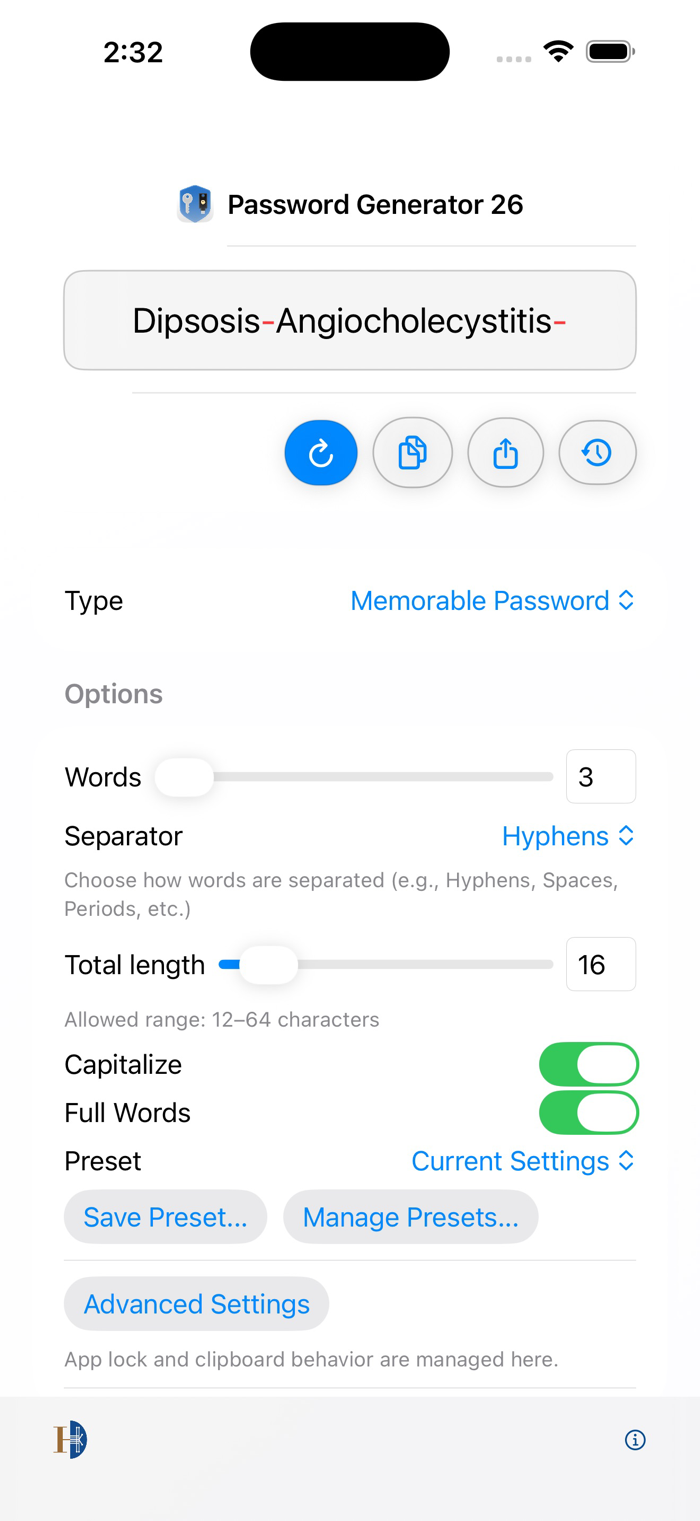
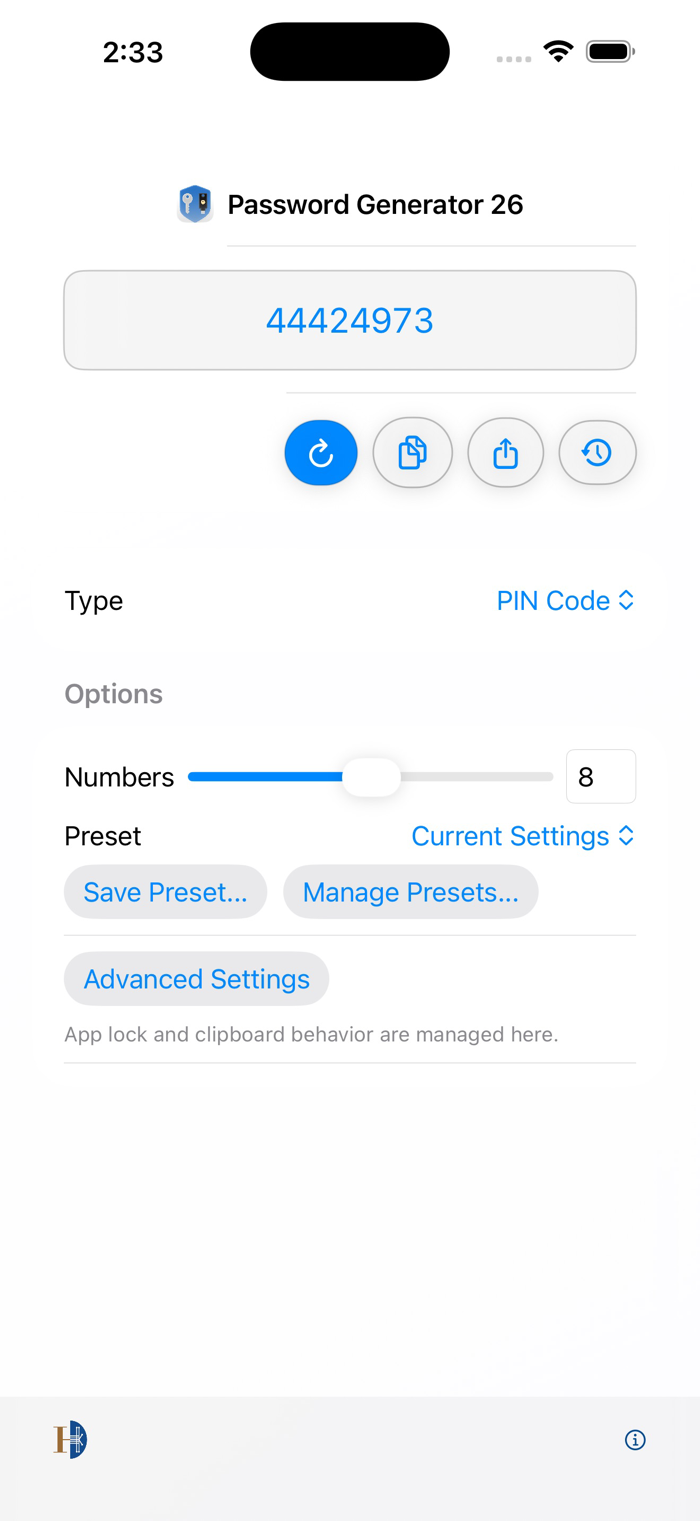
Password Generator 26 makes creating secure passwords effortless across iPhone, iPad, and Mac. Whether you need a random complex password, a memorable passphrase, or a quick PIN, generate it in one tap. Password generation works offline, with optional iCloud syncing for saved presets.
Why You'll Love It
• Universal purchase: one app for iPhone, iPad, and Mac.
• Accessibility-first: VoiceOver labels spell passwords phonetically, describe every segment, and identify uppercase/lowercase letters. Readable Display makes passwords easier to verify.
• Accessible preset: one-tap setup optimised for screen-reader users and anyone who prefers clearer password presentation.
• Custom presets: save your favourite configurations and sync them across devices with iCloud.
• Dark Mode controls: follow the system, force Dark Mode on, or keep the app in Light Mode.
• App Lock: protect recent passwords and settings with a password or Face ID / Touch ID.
• Clipboard auto-clear: copy with confidence.
• No accounts, no ads, and no cloud dependency for password generation.
Key Features
• Multiple password types: Mixed Word, Memorable, Random Password, and PIN.
• Fine-grained controls: total length, symbols, numbers, and format rules.
• Presets: save, apply, update, export, and sync your favourite configurations.
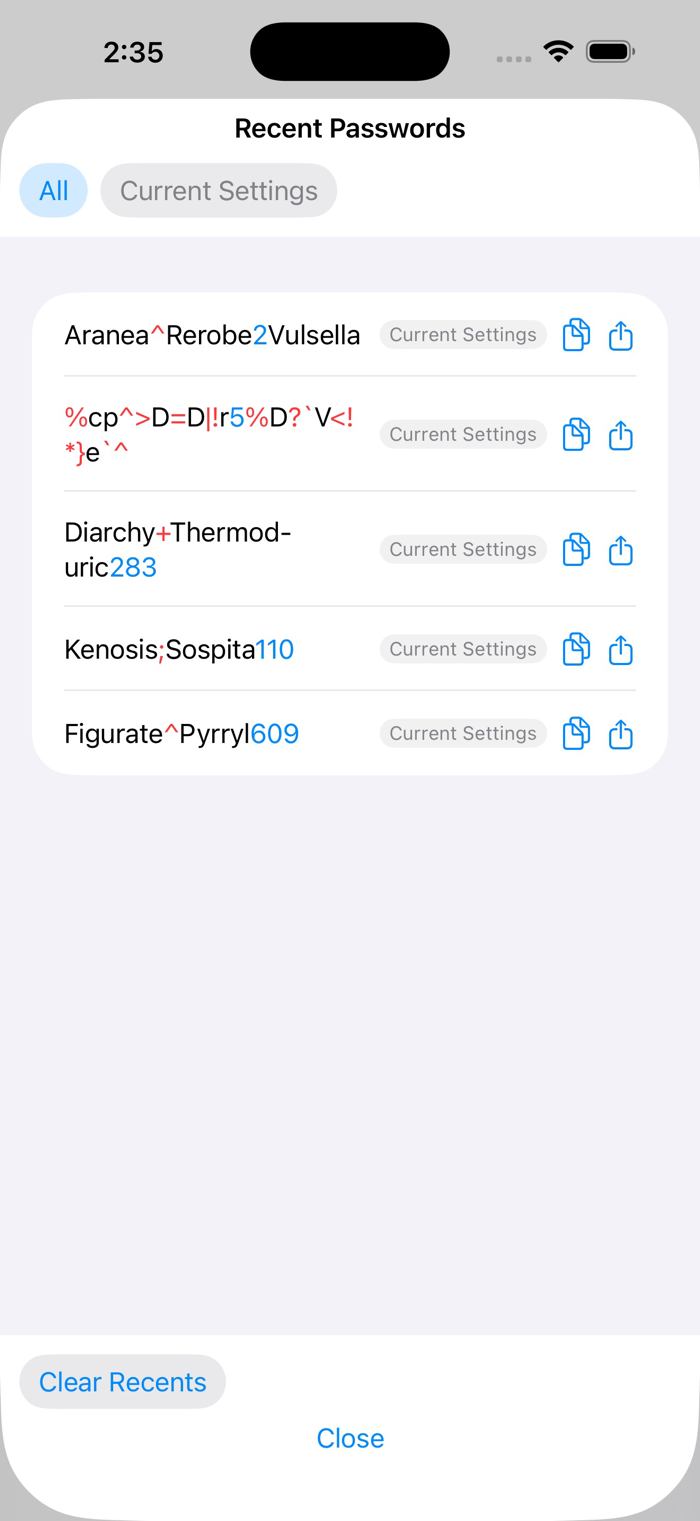
• Recent passwords: view and copy recent results, with optional app lock.
• App Lock: protect access with a...


 +100宝石

 分享
分享











用户评价
立即分享产品体验
你的真实体验,为其他用户提供宝贵参考
💎 分享获得宝石
【分享体验 · 获得宝石 · 增加抽奖机会】
将你的产品体验分享给更多人,获得更多宝石奖励!
💎 宝石奖励
每当有用户点击你分享的体验链接并点赞"对我有用",你将获得:
🔗 如何分享
复制下方专属链接,分享到社交媒体、群聊或好友:
💡 小贴士
分享时可以添加你的个人推荐语,让更多人了解这款产品的优点!
示例分享文案:
"推荐一款我最近体验过的应用,界面设计很精美,功能也很实用。有兴趣的朋友可以看看我的详细体验评价~"
关注 Mergeek 公众号
领奖遇到问题?联系小门助手