

 +100宝石

加入 Mergeek 福利群
扫码添加小助手,精彩福利不错过!
若不方便扫码,请在 Mergeek 公众号,回复 群 即可加入
- 精品限免
- 早鸟优惠
- 众测送码
PIPin - Pin any Mac window
工具
 分享
分享


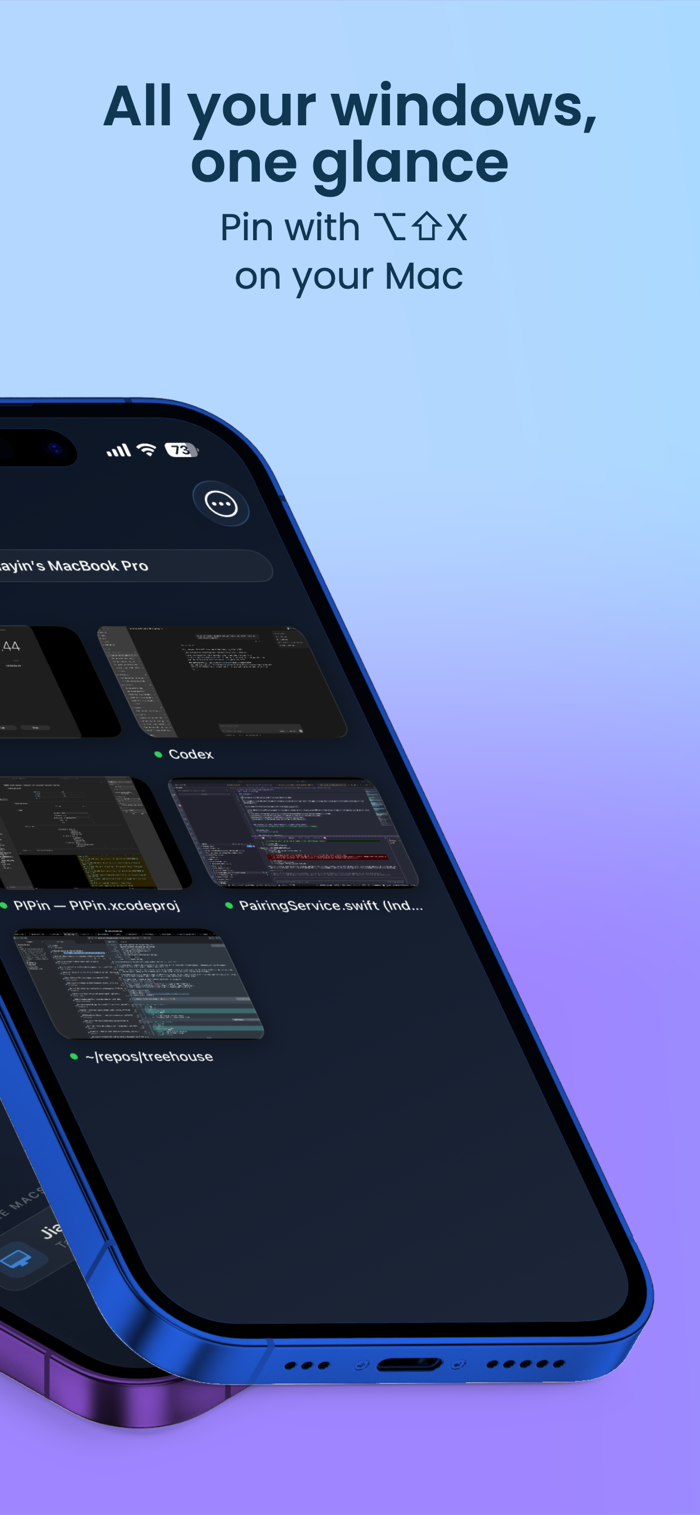
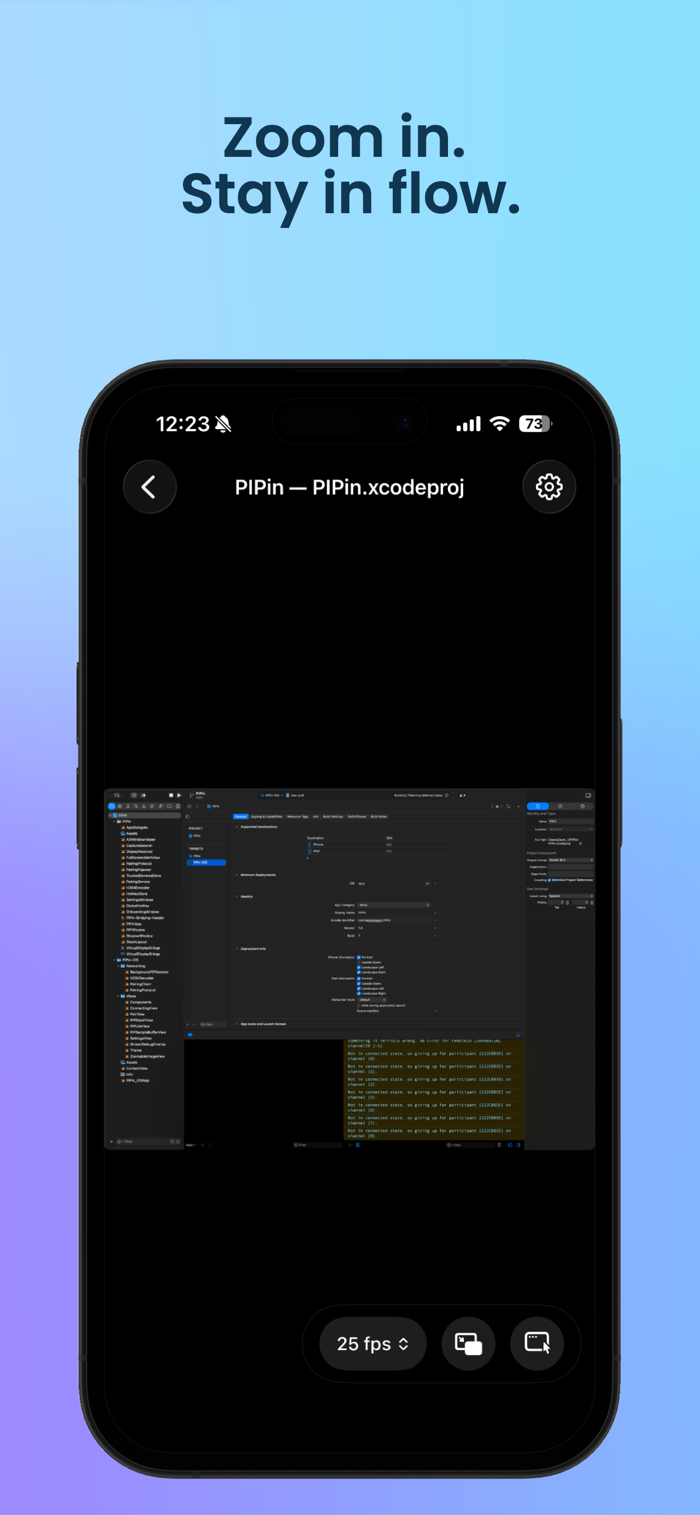



PIPin可让你通过iPhone或iPad监控并控制Mac窗口。在Mac上用⌥⇧X固定窗口,它会立即出现在此应用中。具备远程控制功能,如点击、右键点击、滚动等操作;能在任何位置打字,虚拟键盘有常用修饰键和功能键;支持iOS画中画,离开应用后视频流会缩为系统PIP窗口;仅通过Wi-Fi网络本地传输,无需账户,在pipin.jylljy.top获取免费Mac应用即可使用。







用户评价
立即分享产品体验
你的真实体验,为其他用户提供宝贵参考
💎 分享获得宝石
【分享体验 · 获得宝石 · 增加抽奖机会】
将你的产品体验分享给更多人,获得更多宝石奖励!
💎 宝石奖励
每当有用户点击你分享的体验链接并点赞"对我有用",你将获得:
🔗 如何分享
复制下方专属链接,分享到社交媒体、群聊或好友:
💡 小贴士
分享时可以添加你的个人推荐语,让更多人了解这款产品的优点!
示例分享文案:
"推荐一款我最近体验过的应用,界面设计很精美,功能也很实用。有兴趣的朋友可以看看我的详细体验评价~"
关注 Mergeek 公众号
领奖遇到问题?联系小门助手